

How I Built Vox-Style Videos in Under 30 Mins (for Almost $0) to Market My App
No audience. No ad budget. So I built an AI content pipeline that turns one idea into a Vox-style video in under 30 minutes to market my app—for almost $0. Here’s the exact workflow.
By Reset90 AI Editorial Team
About a month ago, I launched Reset90 AI on the App Store.
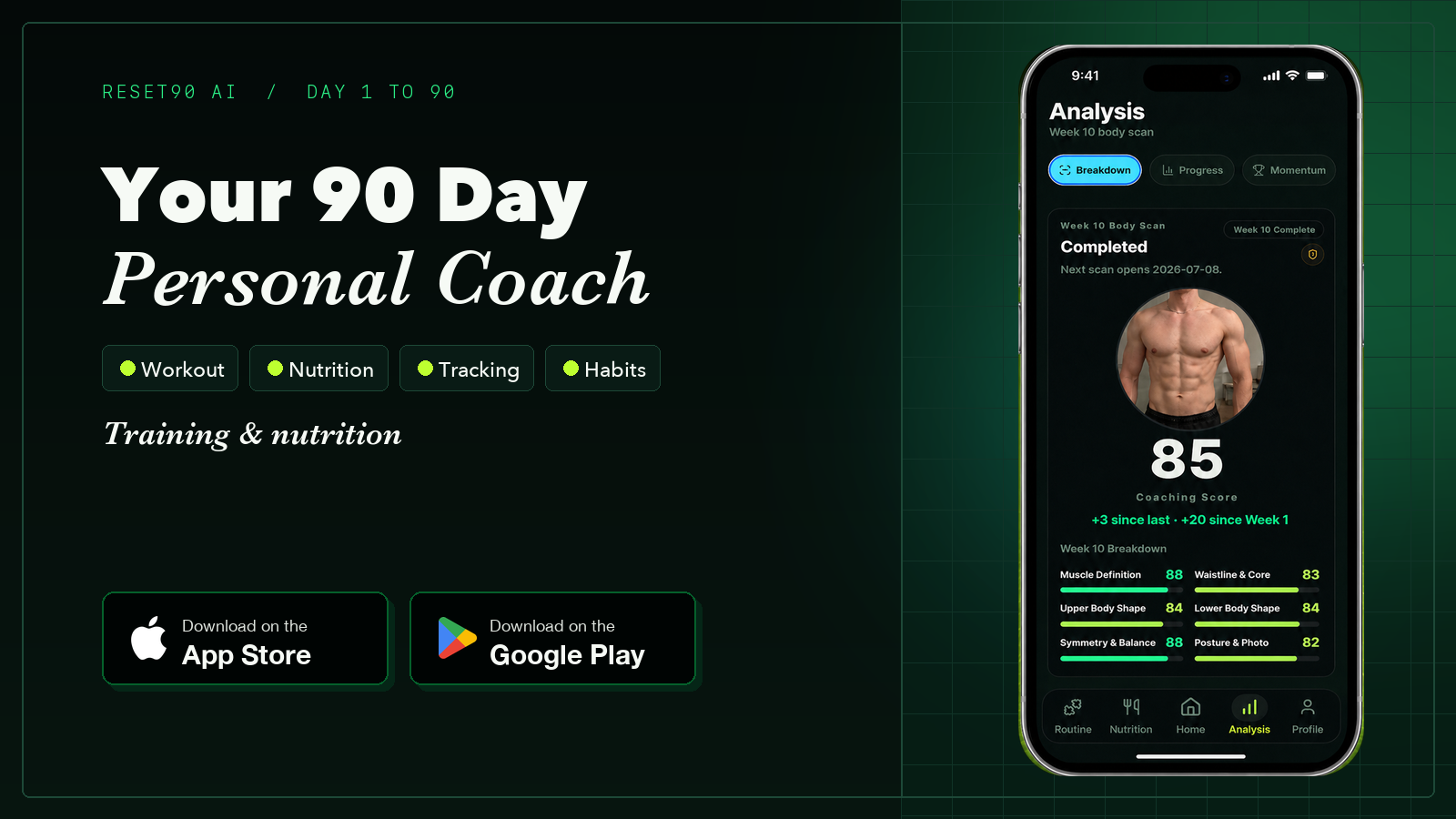
Like many indie developers, I thought launching the product was the hard part.
It wasn’t.
The harder problem was getting people to know it existed.
Reset90 AI is currently completely free, so I’m not spending money on paid acquisition. Instead, I’ve decided to learn organic marketing from scratch.
That means every view, every follower, and every install has to come from content I create myself.
Very quickly, marketing became my highest priority—not because the product was finished, but because distribution had become the bottleneck.

My Philosophy for Organic Content
I have one simple rule:
If you remove your product, people should still want to watch your content.
Good organic content doesn’t exist to advertise.
It exists to educate, entertain, or ideally, both.

That’s why I stopped thinking about “How do I promote my app?”
and started asking,
“What content would people actually choose to watch?”
01Why I Created Green Guy Fitness
Instead of posting about Reset90 AI every day, I created Green Guy Fitness—a content-first fitness brand.
Green Guy shares practical home workout tips, calisthenics progressions, nutrition advice, and beginner-friendly fitness education.
Sometimes Reset90 AI naturally appears in the content.
Most of the time, it doesn’t.
That’s intentional.
The content comes first.
The product follows.

02From Slides to Editorial Videos
My early content was mostly TikTok slideshows.
They were fast to make and worked reasonably well, but they felt static.
I wanted something closer to Vox-style storytelling—where motion, diagrams, composition, and animation all help explain an idea instead of simply displaying it.
That meant building an entirely new production workflow.
03The Workflow
After several iterations, this became my production pipeline.
Step 1 — Audio First
I always start with the narration.
The voiceover defines the timeline.
Every visual decision comes afterward.
Instead of generating a video first and trying to fit audio later, I treat the narration as the single source of truth. - Codex just takes care of it using TTS API after I feed the script to it.

Step 2 — Build a Visual Language
Before generating any scenes, I created a master style sheet.
It locks Green Guy’s appearance, colors, paper textures, lighting, and illustration style.
This dramatically improves character consistency across scenes.
Step 3 — Think in Scenes
Rather than asking AI to generate one 30-second video, I broke the narration into six visual ideas.
Each scene has one message.
One composition.
One motion.
This makes every shot much easier to control.

Step 4 — Animate One Clip at a Time
Each Hero Frame becomes a separate Google Flow generation.
Instead of asking the model to create one 30-second video, I generate six independent 4-second clips—one for each scene.
Short clips are much easier to control. They preserve character consistency better, make prompt iteration faster, and if one scene doesn’t look right, I only need to regenerate that clip instead of the entire video.
For this project, I used Omni Flash with 4-second generations.
The nice part is that it’s surprisingly affordable to experiment.
Google currently refreshes 50 free credits every day, while a single 4-second Omni Flash generation costs 7 credits. That means you can generate several clips every day without paying anything, which is more than enough to iterate on a project like this.
For indie developers and creators who are just getting started, the free daily quota is usually enough to build an entire video over a day or two!!

Step 5 — Rebuild the Timeline
The generated clips are only raw materials. I mute them, then give Codex the clips, narration, subtitles, and scene order.
Codex automatically trims or retimes each clip, aligns visuals with the voice-over, adds subtitles and audio, and exports the final vertical video.
Under the hood, the workflow uses Python, FFmpeg, and a simple JSON timeline that defines each clip’s timing, narration, and subtitles.

04The Biggest Takeaway
I thought I was learning how to make AI videos.
Instead, I learned how to build an AI production system.
The real advantage isn’t generating one video.
It’s creating a workflow that can reliably produce the next hundred.
That’s the difference between making content and building a content engine.
05CTA
I’ve packaged this entire workflow into a reusable Codex Skill—from scripting and storyboarding to Hero Frames, Google Flow prompts, voiceover timing, subtitles, and final assembly.
If you’d like the complete workflow, comment “VOX” below and I’ll DM you with the skill.🍷
The Reset90 system
Useful ideas for building a body you can keep.
Training notes, product updates, and practical ways to make your next 90 days count.
Start your next 90 days
Get your daily training, nutrition, and check-in priorities in one adaptive system.


Keep reading
Related articles

How We Built a 20-Second Product Launch Video with Codex and HyperFrames
We gave a coding agent real app recordings, a reference film, and a 20-second brief—and built a product launch video as a deterministic web composition.
Read article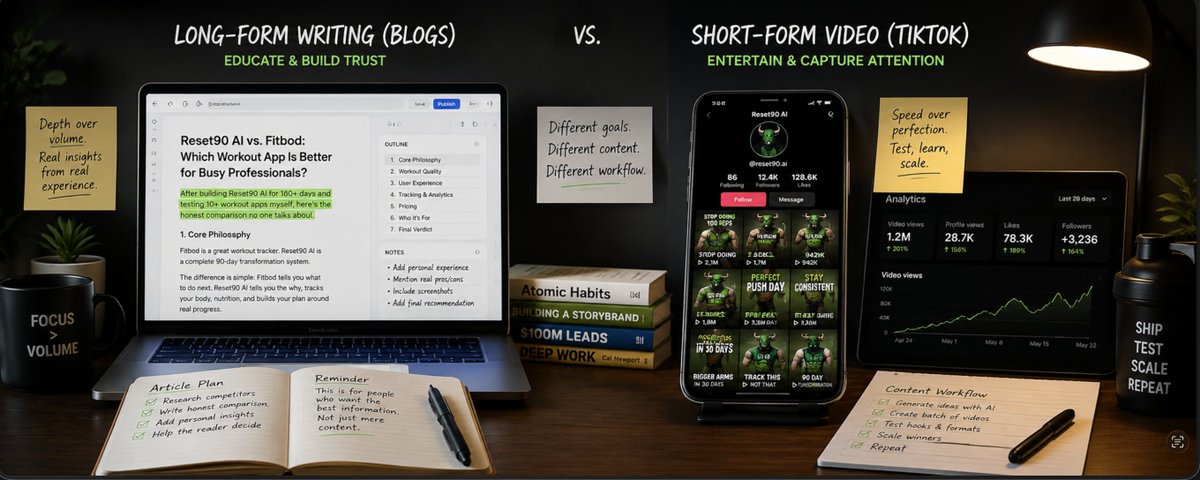
Yesterday I Asked AI to Write 13 SEO Articles. Today I Rewrote Every Single One.
I thought AI would let me write 13 SEO articles in a day. It wrote the same article 13 times. Content isn't the bottleneck anymore. Having something worth saying is.
Read article
My App Store Impressions Jumped 200%. But Almost Nobody Downloaded the App.
What’s worse than getting no traffic? Getting 200% more traffic… and almost no extra downloads. That sent me down an ASO rabbit hole.
Read article