
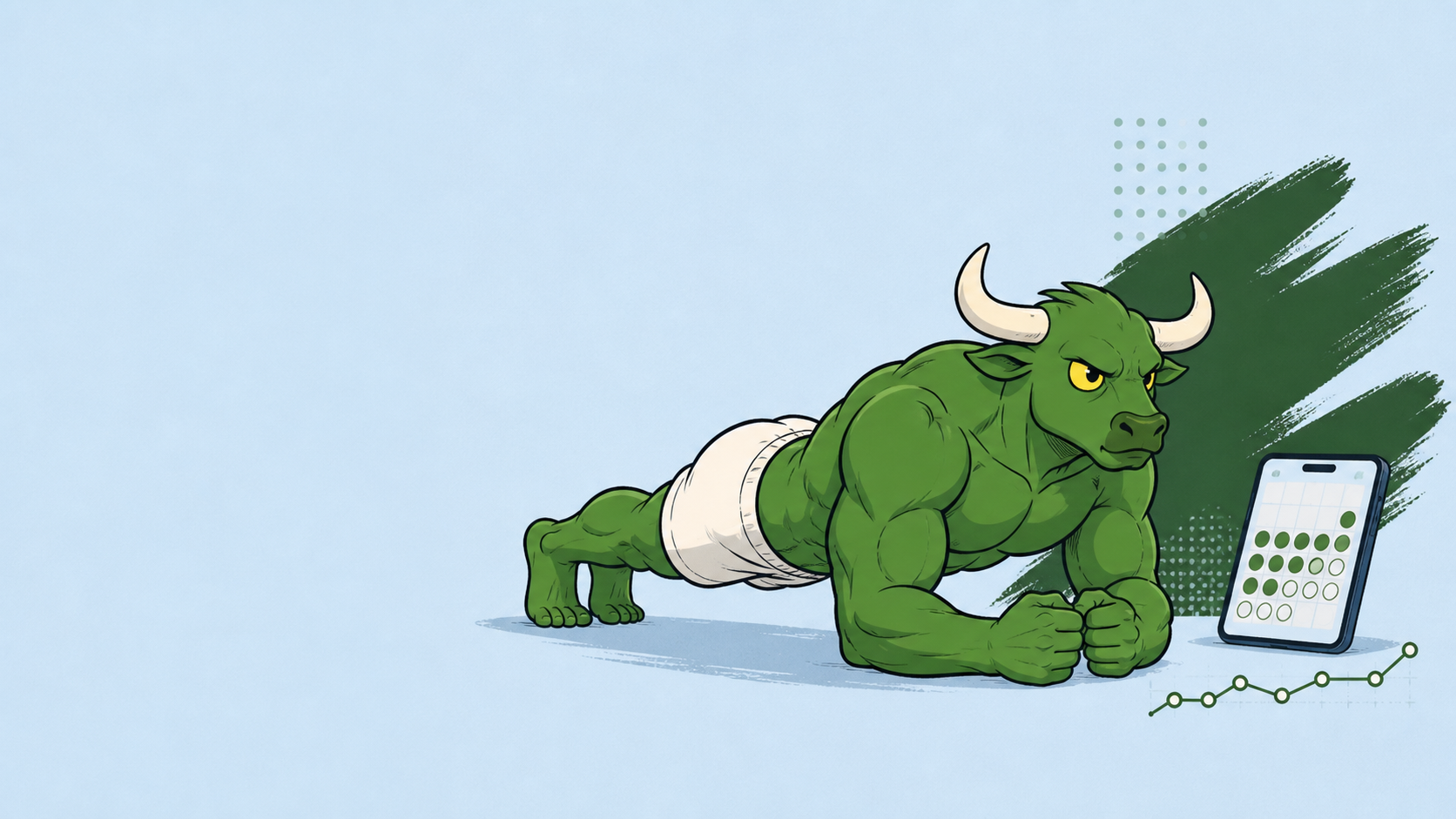
Best Apps to Stay Consistent With a Plank Challenge: A Simple Tracking System
The best plank app is not always a plank timer. Use a realistic minimum, a quick timer, and a low-friction log to make the next session easy to start — even when the week goes sideways.
By Reset90 AI Editorial Team
Short answer: The best plank app is not one specific timer. Choose the tool that solves your actual consistency problem: reminders if you forget, a simple interval timer if counting creates friction, a small log if you cannot see progress, or an adaptive plan if your week keeps changing. For a sustainable plank challenge, look for a realistic minimum, gradual progression, low-friction logging, and a clear recovery path after a missed session.
If you searched for the “best plank app,” you probably want more than a countdown. You want to know what to use today, how much to do, what counts as a good session, and what to do when the plan gets interrupted.
This guide explains how to choose the app setup behind a sustainable plank habit — and where a broader adaptive plan such as Reset90 AI fits. It is not a promise that one app can fix every consistency problem.
01Why plank challenges usually break
Many plank challenges are designed like a test: hold longer every day. The first few sessions feel easy, the target climbs, and then one busy or low-energy day makes the next session feel impossible.
A consistent routine needs a minimum version. On a good day, you may complete the full session. On a difficult day, you still need a version that protects the habit without forcing sloppy form. The app should make both versions visible.
Consistency also does not mean holding a plank forever. It means returning often enough to practice the position, build capacity, and progress gradually. A shorter hold with a stable torso is more useful than a longer hold with a sagging back.
02Best plank app by the problem you are solving
There is no universal best plank app. Start with the obstacle that keeps you from completing the next clean, manageable session.
| Your problem | Best first tool or workflow | What to check | Main limitation |
|---|---|---|---|
| I forget to do it | Reminder or habit tracker | Scheduled cues, simple completion, low-friction check-in | A checkbox cannot replace progression or form guidance |
| I do not know how long to hold | Interval timer | Fast start, clear work/rest, editable intervals | A timer cannot decide whether the session is too hard or your form has changed |
| I cannot see progress | Workout log or progress tracker | Variation, hold time, sets, quality time, and trend | Too many fields create more reasons to stop recording |
| My week keeps changing | Adaptive plan | Realistic next action, rescheduling, fallback after an interruption | It is not a plank-only precision timer |
| I keep starting too hard | Plan with a minimum version | Beginner modifications, gradual progression, clear fallback | You still need to respect pain and form warnings |
Before you install or subscribe, check whether the app supports your platform, explains its privacy and data practices, adds ads or subscription friction, lets you record a modified session, and gives you a trustworthy timer or counter. A long feature list is less useful than a tool you can open and use on an ordinary bad day.
03What a good plank app should provide
| Job | What the app should provide | What to avoid |
|---|---|---|
| Plan | A clear next session and a realistic weekly rhythm | A new challenge every day with no recovery option |
| Start | A one-tap timer, cue, or reminder | Several screens before the session begins |
| Modify | A shorter hold, supported variation, or moved session | A streak that treats one missed day as failure |
| Log | Completed, modified, or skipped without shame | Only recording personal-best holds |
| Progress | Total quality time, consistency, and gradual progression | Only chasing a longer number |
The best app removes the biggest obstacle in your routine. If you forget, you need reminders. If you start too hard, you need progression. If you lose track, you need a simple log. If you keep changing programs, you need one clear next step.
04How Reset90 fits when the plank is part of a bigger plan
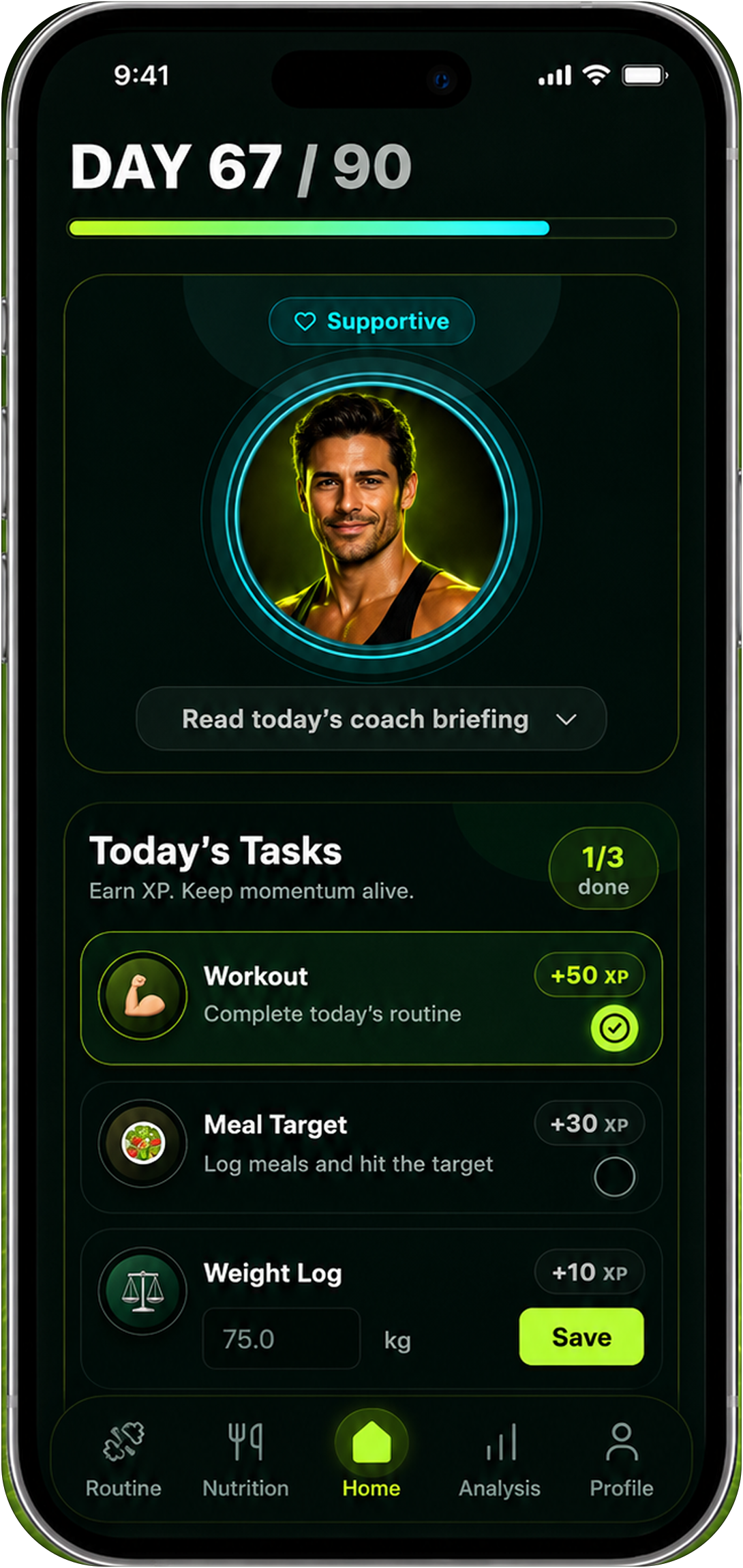
Reset90 AI is designed for people whose plank is one part of a larger, changing 90-day routine. It connects daily training, nutrition targets, check-ins, progress signals, and the next realistic action instead of asking you to rebuild the plan every morning.
That makes it useful when your main problem is not precise plank timing but deciding how to keep training after a busy day, a missed session, or a change in energy. It is not a plank-only timer or camera counter. Use a dedicated timer or logbook when you need detailed intervals or exercise-specific counting.
05The simplest app setup for a plank challenge
You do not need four separate apps. Start with the smallest stack that solves your actual problem:
- Choose a weekly rhythm. Pick a schedule you can repeat, such as three sessions per week, instead of promising a heroic hold every day.
- Set a minimum version. The minimum might be one clean hold or a shorter knee-supported variation. It should be easy enough to complete on a normal bad day.
- Use a timer. Remove the need to count seconds and make rest part of the plan.
- Log the real session. Record the variation, hold time, and whether the form stayed controlled.
- Progress one variable. Add a small amount of time, one set, or a slightly harder variation — not everything at once.
The goal is not to make the challenge complicated. The goal is to make the next action so clear that you can begin before negotiating with yourself.
06How to progress without chasing a longer hold
Progression can mean more than adding seconds. Consider changing only one variable at a time:
- Add a small amount of hold time while keeping the same clean position.
- Add a set while keeping each hold shorter.
- Keep the time the same and reduce rest slightly.
- Move from a knee-supported plank to a full plank when the position is stable.
- Use a different variation only when the basic position is controlled.
Good form matters more than a longer timer. Keep the torso controlled, avoid a sagging low back or raised hips, and modify the plank from the knees or an incline when the full version is too difficult. An app should support form and modification, not pressure you to finish a timer at any cost.
If you feel sharp pain, especially in the low back, stop the exercise and seek qualified advice. A missed hold is recoverable; an ignored warning is not a progress strategy.
07A seven-day test for any consistency app
Before committing to a new app or challenge, run a one-week test:
- Schedule the sessions at the time you would normally have available.
- Complete one full planned session.
- Complete one minimum-version session on a busy day.
- Move one session by a day and see whether the app gives you a clear next step.
- Log a modified version instead of skipping the record.
- Review the week using total completed sessions and quality time, not only your longest hold.
If the app makes a normal week feel like a failure, it is the wrong tool for consistency. A useful app should make returning easier after the plan gets interrupted.
08Plank consistency FAQs
Is there a specific app for staying consistent with planks?
There are plank timers, habit trackers, and workout logs, but the best choice depends on the problem you are solving. A timer helps you complete the session; a habit tracker helps you remember; a log helps you see progression. A broader adaptive fitness app helps when the plank is one part of a larger routine.
Should I do planks every day?
Not necessarily. A schedule you can repeat is more useful than a daily promise you abandon. Start with a manageable frequency and adjust based on your recovery, training plan, and form.
Should I hold a plank until failure?
Failure is not required for a useful session. Stop when you can no longer maintain a controlled position, then record the real result. Clean holds are more useful than a longer number produced by losing alignment.
How should I measure plank progress?
Track more than your longest hold. Look at completed sessions, total quality time, the variation you can control, rest between sets, and whether you can maintain good form. Progress is a pattern, not one record.
What if I miss a plank session?
Use the next available session instead of doubling the workload to “catch up.” A good app should help you reschedule or choose the minimum version. The fastest way back is a clear next step.
How should I compare a free app with a paid one?
Compare the friction that affects your real week: ads, subscription prompts, privacy choices, platform support, timer or counter reliability, and whether you can log a modified session. A free app is not automatically the better fit if it makes the next session harder to start.
09Final takeaway: make the next plank easy to start
The best app for a plank challenge is the one that reduces the friction between intention and action. Start with a realistic weekly rhythm, define a minimum version, use a timer, and log enough to see the trend.
When your broader week needs structure, Reset90 AI can help connect the plank to a larger 90-day plan. When you need precise timing, use a timer. When you need proof that the habit is working, keep a simple log.
Consistency is not one heroic hold. It is the ability to return to the next clean, manageable session.
General educational information only. Stop if exercise causes sharp pain, and seek qualified advice when needed.
The Reset90 system
Useful ideas for building a body you can keep.
Training notes, product updates, and practical ways to make your next 90 days count.
Start your next 90 days
Get your daily training, nutrition, and check-in priorities in one adaptive system.


Keep reading
Related articles
Ideal Body Measurements for Women
There is no single ideal body measurement set for women. Learn how averages, waist-to-height, body shape and repeatable tracking fit together without chasing a fixed beauty standard.
Read article
Bulk, Cut, or Recomp? A Practical Decision Guide
A practical way to choose a bulk, cut, recomp, or maintenance phase using your goal, training age, recovery, and repeatable progress signals.
Read article
How Often Should You Take Progress Photos?
How often should you take progress photos? Use this goal-based guide to choose weekly, biweekly, or monthly check-ins and make every comparison more consistent.
Read article