
Best Apps to Track Muscle Gain in 2026 (Think in Blocks, Not Sessions)
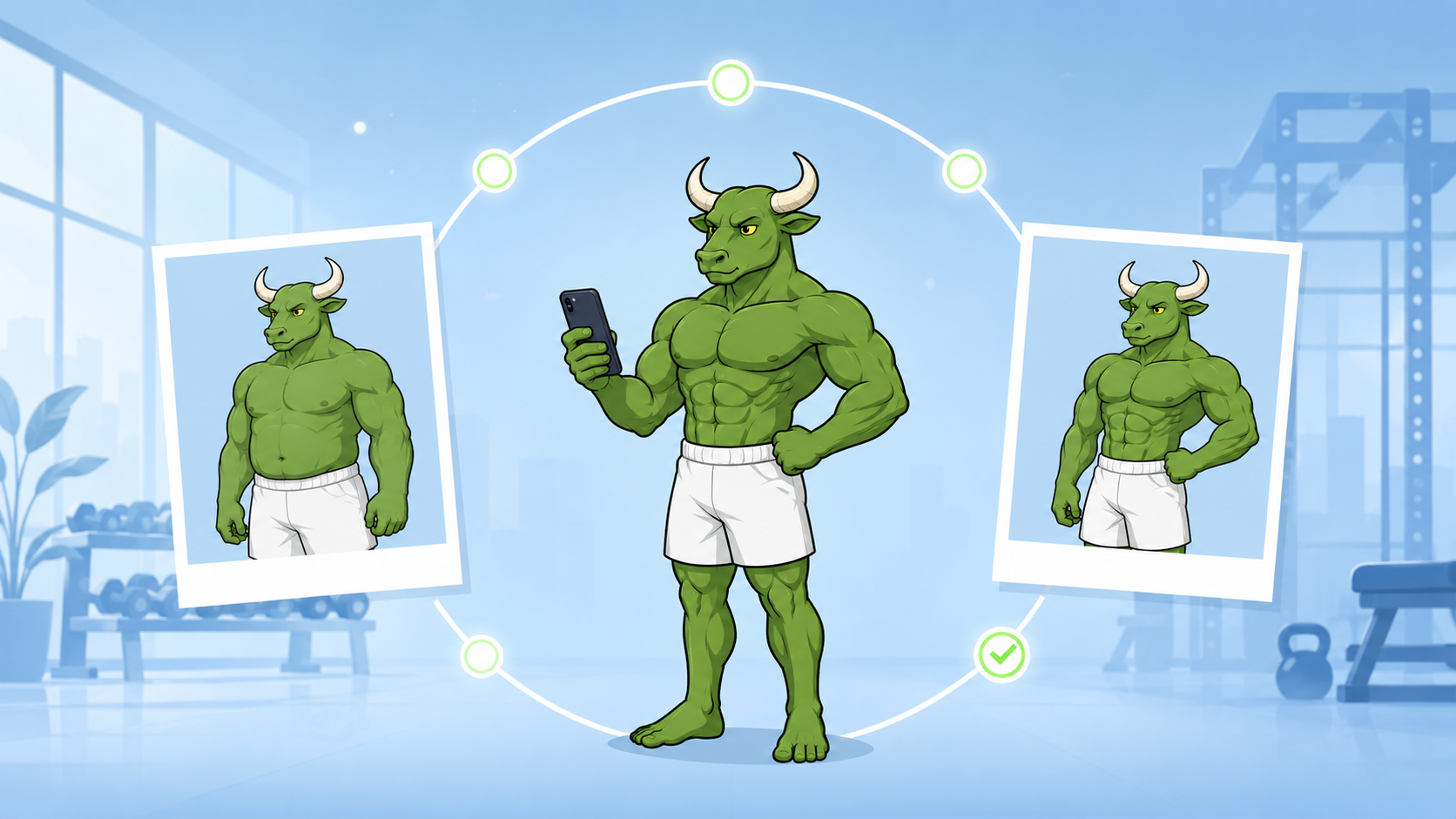
Muscle gain is measured in months, but most apps are designed for days. The best tracker thinks in 90-day blocks — training, nutrition, and verification in one system.
By Reset90 AI Editorial Team
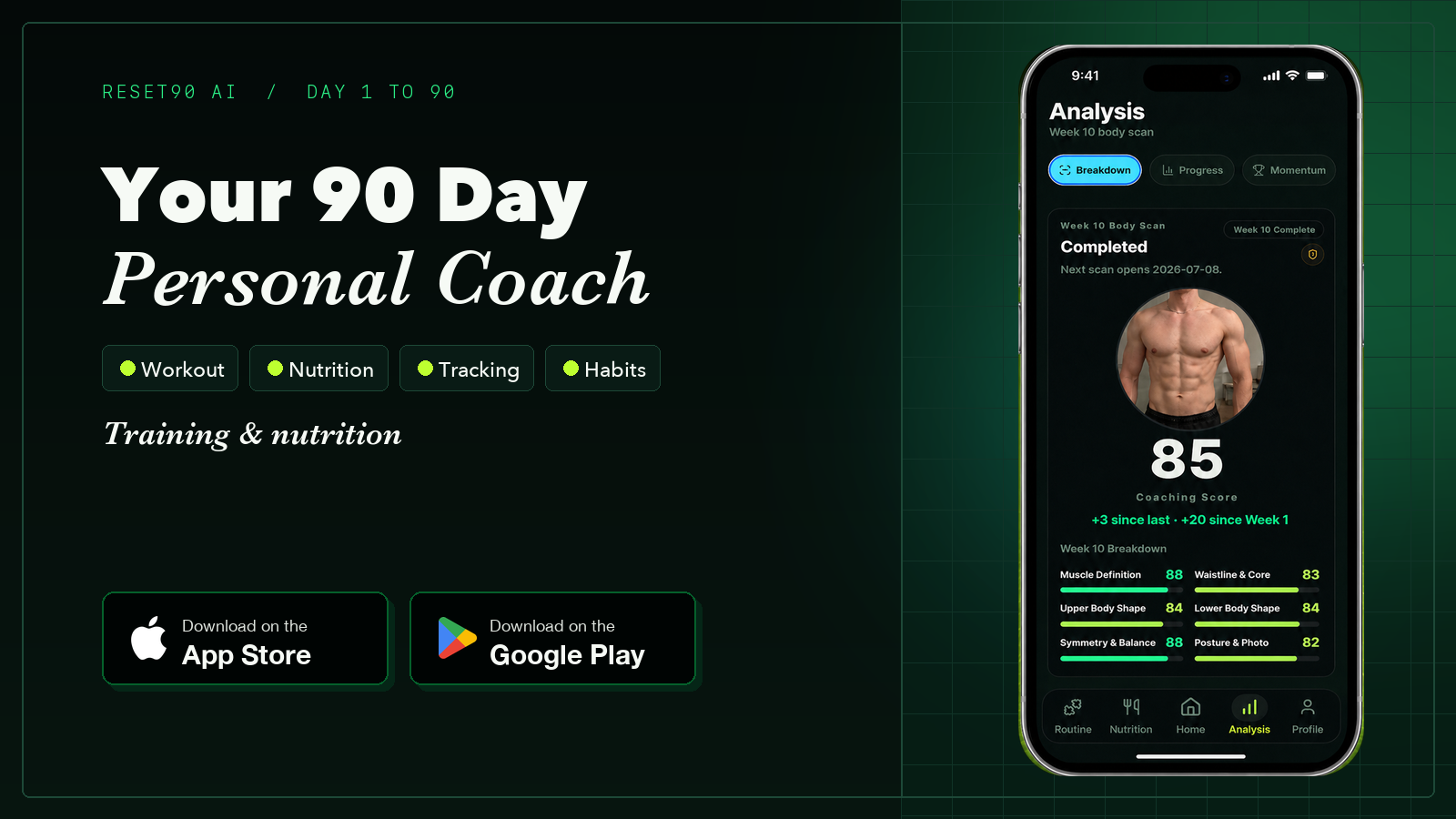
Short answer: The best app to track muscle gain depends on the signal you need: Hevy or Strong for sets, reps, and progressive overload; MacroFactor or Cronometer for food and protein; Progress or Shapez for photos and measurements. If you want one system that connects training, nutrition, and body-change verification over a 90-day block, Reset90 is the best fit in this comparison.
01Quick choice by the part of muscle gain you need to track
If you searched for the best app to track muscle gain, start with the signal you are missing. A workout logger records the input; a food tracker for muscle gain records the fuel; an integrated system connects both to the body changes you are trying to verify.
| If you mainly need to track | Best fit | What it solves |
|---|---|---|
| Sets, reps, weight, volume, and PRs | Hevy or Strong | Fast workout logging and progressive-overload history |
| A planned hypertrophy program | Fitbod, JEFIT, or Boostcamp | Exercise selection, progression, and program structure |
| Food tracking for muscle gain | MacroFactor or Cronometer | Calories, protein, macros, and intake trends |
| Photos, measurements, or body-composition context | Progress, Shapez, or a measurement tool | Consistent visual and circumference-based verification |
| Training, nutrition, and body changes together | Reset90 | A 90-day block that connects the plan to weekly verification |
02What should the best app for muscle gain actually track?
An app cannot directly measure new muscle from a phone screen. A useful muscle-gain tracker combines several proxy signals so you can judge whether training is producing the result you want:
| Signal | What to record | How to interpret it |
|---|---|---|
| Training performance | Load, reps, sets, volume, and repeat performance on anchor lifts | Shows the training input and whether progressive overload is occurring |
| Bodyweight trend | Consistent weigh-ins summarized as a weekly average | Provides context for a surplus or maintenance phase; a single weigh-in is noisy |
| Measurements and photos | Waist, arms, chest, legs, and photos taken under repeatable conditions | Helps verify physical change without treating the scale as muscle mass |
| Nutrition and recovery | Protein, calories, adherence, sleep, soreness, and training readiness | Explains why performance or body measurements may be moving or stalling |
The practical rule is to review these signals in a 4–12 week window, not after one workout. If you want a repeatable visual check, use the Reset90 body-fat visualizer; for a lean-mass context check, pair it with the FFMI calculator. Neither tool replaces clinical measurement, but both make the review more consistent.
03How to choose the best app for muscle gain
- Already have a program? Choose Hevy or Strong and focus on consistent logging, repeat performance, and progressive overload.
- Need the program itself? Choose a planner such as Fitbod, JEFIT, or Boostcamp, then confirm that it adapts to your equipment, recovery, and training history.
- Missing the nutrition signal? Choose a food tracking app for muscle gain such as MacroFactor or Cronometer, and review protein and calorie trends against bodyweight and performance.
- Need one connected review loop? Choose a system that combines the plan, nutrition, and verification instead of stacking separate logs with no shared context.
That distinction matters because “best app” is not one universal winner. The right choice is the smallest system that captures the signal you are currently missing and lets you review it consistently.
Six months of Hevy logs. Every set, every rep, perfectly documented. You hit a squat PR, your bench is up 20 pounds — and you genuinely cannot tell if your physique has changed. That gap is the problem every “best muscle gain app” list misses. They recommend loggers, which track what you put into training, not what your body is doing in response. Muscle gain is the slowest visible change in fitness, and the apps built for it are mostly designed for the wrong time scale.
04Why does muscle gain break most tracking apps?
Muscle gain is measured in months, but most apps are designed for days. A workout logger shows you weekly volume and PRs — real signals, but they describe the input. The output — whether your body is actually changing — appears on a completely different time scale, and the mirror is the last place it shows up. That mismatch is why people either track obsessively and learn nothing, or give up and trust the scale, which is the worst instrument of all for muscle gain. The fix is not another logger. It is a system built around the right unit of time: the 90-day block.
05Why does Reset90 rank first?
Platform: iOS + Android
Reset90 is built in blocks, not sessions. Your biometrics — age, sex, height, weight, goals, and schedule — shape a personalized 90-day block, and every week inside that block is a small experiment: train as prescribed, hit the targets, check in, and let the system read the result.
- The block is the unit: ninety days is long enough for real muscle gain and short enough to measure — the plan compounds week over week instead of resetting every session.
- AI that reads the block: the reasoning layer watches training load, adherence, and nutrition trajectory, then decides what to adjust and explains why — so the block bends to your reality without losing its goal.
- Photos that stay honest: every weekly Body Skin check-in is guided for lighting, camera position, and poses, so the verification screen reflects your body, not your camera skills.
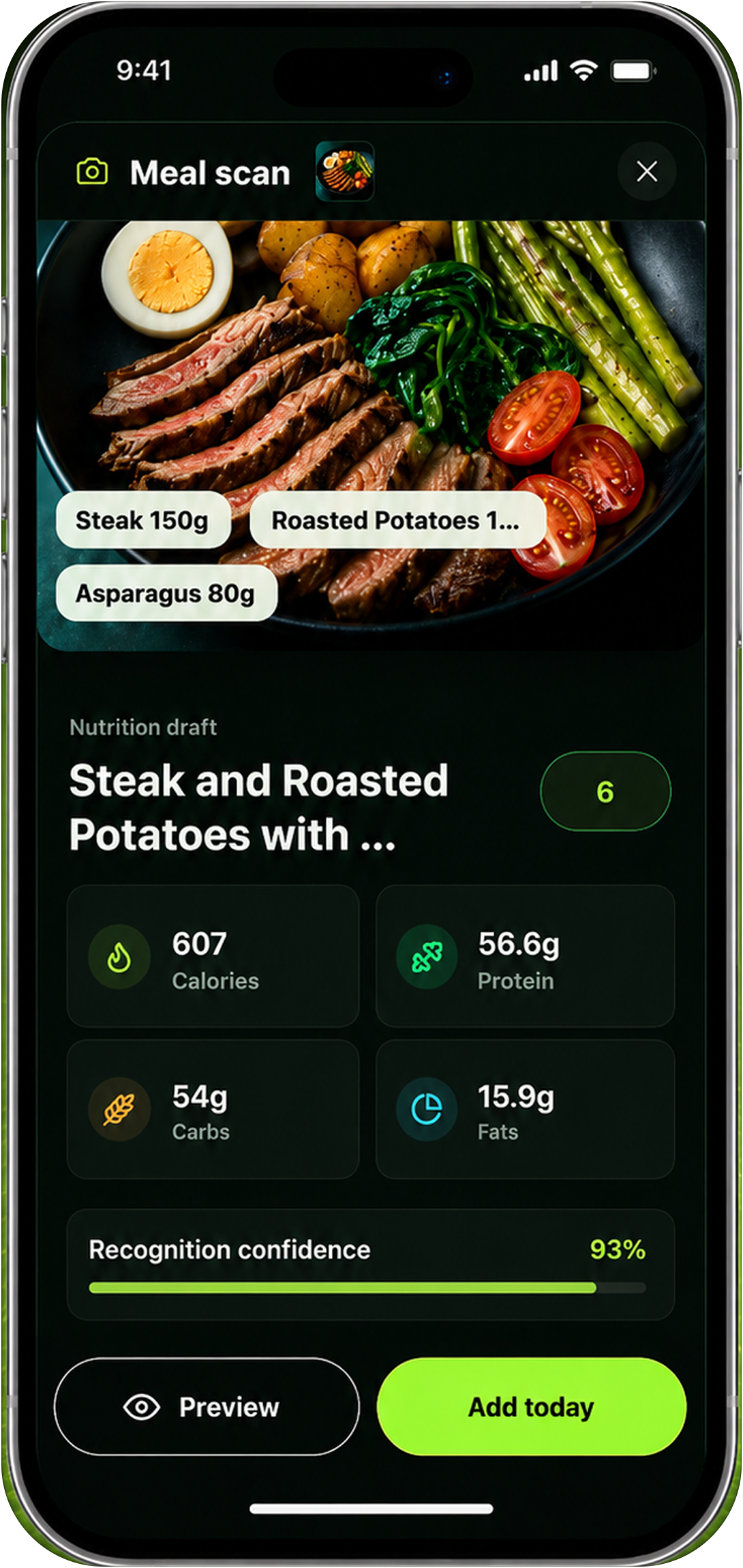
Training and nutrition are in the same block as the verification: the lifts are prescribed, the calories and protein adjust from your adherence and trajectory, and the weekly check-in shows whether the block is working before the mirror bothers to tell you. By day 90, you do not have a folder of logs — you have a body that changed and the data that proves it.
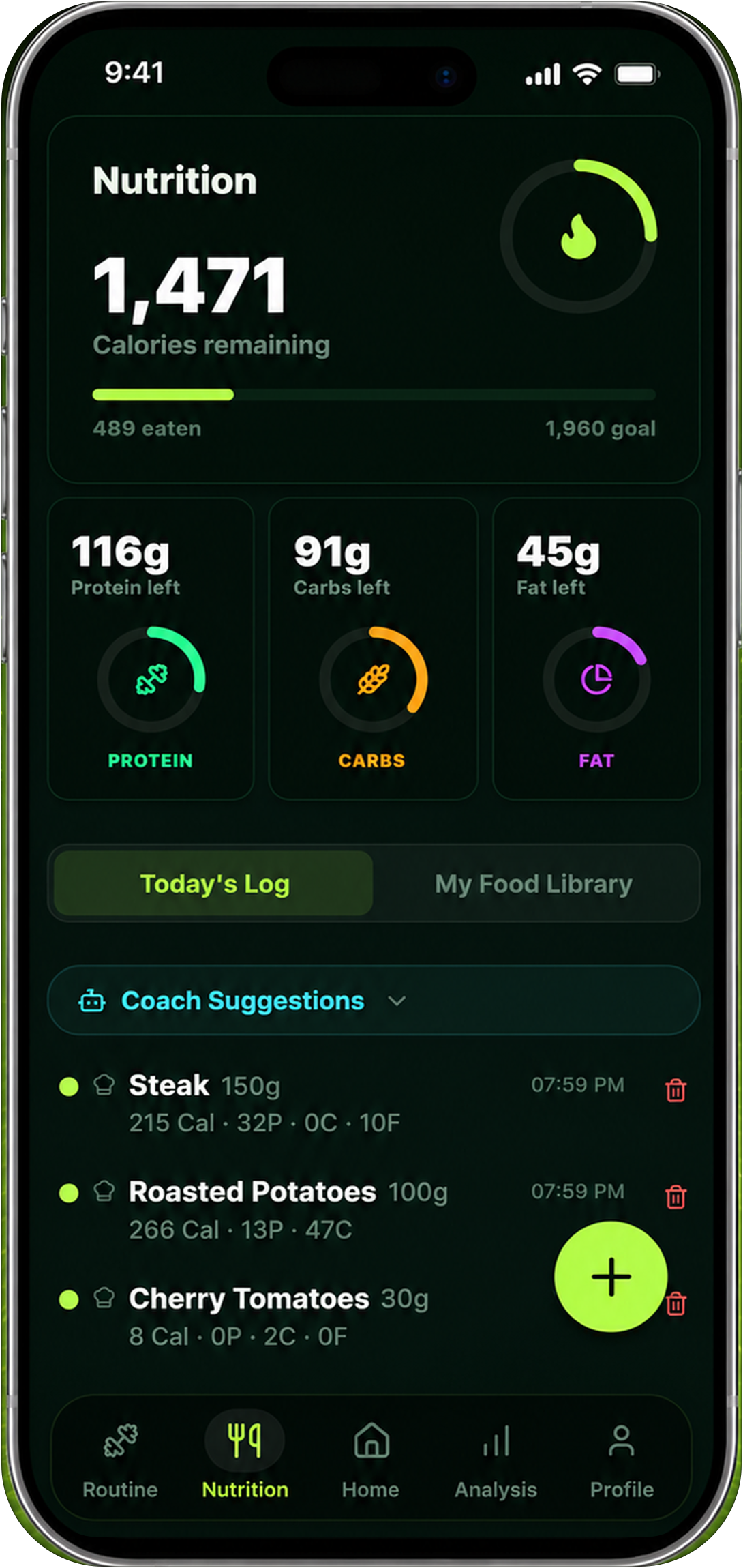
Strengths: a personalized 90-day block built from your biometrics; training, nutrition, and verification in one system; AI that decides and explains every adjustment; guided weekly Body Skin check-ins; iOS and Android.
Weaknesses: one honest trade-off — if you want raw PR analytics or lab-grade body composition numbers, pair Reset90 with a logger or a quarterly DEXA. Reset90 is the system that turns those numbers into the block.
Best for: anyone who has logged every set for months and still cannot answer “am I actually gaining muscle?” See how the loop works: know whether your fitness plan is working, and how the same system handles body recomposition.
06What are the three screens of muscle gain?
Every muscle gain tracker fills one of three screens. The best setup keeps all three visible and connected:
| Screen | What it shows | Who covers it |
|---|---|---|
| Training | Sets, reps, volume, PRs — the input | Hevy, Strong, JEFIT |
| Nutrition | Calories, protein, adherence — the fuel | MacroFactor, MyFitnessPal |
| Verification | Photos, measurements, body trends — the output | Progress by Lasmit, Shapez, Reset90 |
Loggers own the first screen. Nutrition apps own the second. Visual apps own the third. Only Reset90 connects all three in one block — which is exactly what a muscle gain tracker needs.
07Is Hevy the best workout logger?
Platform: iOS + Android · Price: Free with Pro
Hevy is the logger the lifting community converged on — fast two-tap logging, a large exercise library, volume tracking, PRs, and a social feed.
Strengths: clean and fast; excellent free tier; volume and PR analytics are genuinely useful.
Weaknesses: logs the input only — no nutrition, no photos, no way to know if the input is producing the output; the social feed adds noise for some lifters.
Best for: lifters who already run their own plan and just need a precise log.
08Is Strong the best minimalist logger?
Platform: iOS + Android · Price: Free with Pro
Strong is built for speed — open, log, leave. Rest timers and weight suggestions keep the friction near zero.
Strengths: the fastest logging experience; simple for 3–5 lift programs; low overhead.
Weaknesses: lighter analytics; no nutrition; no visual tracking — it records the session and forgets the body.
Best for: strength athletes who want a no-frills log.
09Is JEFIT worth it for periodized programs?
Platform: iOS + Android · Price: Free with Elite
JEFIT adds periodized programming, muscle-group analytics, and one of the largest exercise databases.
Strengths: deep planning tools; volume by muscle group across weeks; great for hypertrophy mesocycles.
Weaknesses: dense setup; overkill for beginners; still an input logger — no nutrition, no photos, no verification.
Best for: intermediate and advanced lifters managing their own programming.
10Is MacroFactor the best nutrition tracker for muscle gain?
Platform: iOS + Android · Price: around $12 per month
MacroFactor adapts your calorie target from your weight trend and logged intake — useful when the goal is a precise surplus or maintenance.
Strengths: adaptive energy estimates; precise protein targets; strong logging experience.
Weaknesses: manual logging; no training screen; no visual verification — it fuels the block but cannot read the result.
Best for: lifters who will log every meal and already run the rest of the system.
11Is Progress by Lasmit a good visual tracker?
Platform: iOS + Android · Price: Free with Pro
Progress organizes photos chronologically with side-by-side comparisons, reminders, and optional measurement entries.
Strengths: clean timeline; consistent reminders; simple and reliable.
Weaknesses: no analysis, no scoring, no nutrition, no training — you are the analyst, and the app is a folder.
Best for: people who want a dedicated photo home without a system attached.
12Is Shapez the best measurement tracker?
Platform: iOS + Android · Price: Free with subscription
Shapez charts waist, chest, arms, and leg measurements over time, with photos attached to entries.
Strengths: arm circumference trends are a real muscle-gain signal; measurement graphs are clean; photos and tape data together.
Weaknesses: no AI analysis; no training or nutrition; the data cannot tell you why a number moved.
Best for: lifters who already take regular tape measurements.
13Which muscle gain app should you use in 2026?
If you already run your own plan, Hevy or Strong is a great log, MacroFactor is a great nutrition tool, and Progress or Shapez is a fine visual folder. But if the goal is muscle gain — not a collection of logs — the app has to think in blocks. Reset90 is the only system in this category that puts training, nutrition, and verification in one 90-day block and adjusts it from your data. The logs tell you what you did. Reset90 tells you whether it worked — and what to do next. If you want one system that connects training, food, and recovery, our roundup of all-in-one fitness apps is the companion piece.
| App | Training log | Nutrition | Visual verification | Guided photos | Changes the plan | Platform |
|---|---|---|---|---|---|---|
| Reset90 AI | Prescribed | Adaptive | Weekly Body Skin | Yes | Yes | iOS + Android |
| Hevy | Yes | No | No | No | No | iOS + Android |
| Strong | Yes | No | No | No | No | iOS + Android |
| JEFIT | Yes | No | No | No | No | iOS + Android |
| MacroFactor | No | Yes | No | No | Nutrition only | iOS + Android |
| Progress by Lasmit | No | No | Photo album | Alignment guides | No | iOS + Android |
| Shapez | No | No | Measurements | No | No | iOS + Android |
14Frequently asked questions
How does Reset90 track muscle gain differently?
Reset90 thinks in 90-day blocks. Your biometrics shape the block, prescribed training and adaptive nutrition fill it, and guided weekly Body Skin check-ins verify it — with an AI layer that decides what to adjust and explains why. Logs tell you what you did; Reset90 tells you whether it worked and what to do next.
Do I need a workout logger to gain muscle?
You need progressive overload, and logging helps you see it — but a log alone cannot tell you if your body is changing. The training input and the visual output belong in the same system, which is why a single 90-day block beats a stack of separate apps.
How long does muscle gain take to show up?
Measurable muscle gain typically shows up over 8–12 weeks of consistent training and surplus — strength moves first, measurements next, the mirror last. Weekly check-ins from week one are what make the slow change visible before you can see it.
Can apps measure muscle mass accurately?
Consumer apps estimate; only clinical imaging measures directly. For tracking, consistency beats precision: the same photos, same conditions, every week. Reset90’s guided protocol exists exactly for that reason.
Is Reset90 medical advice?
No. Reset90 is a fitness and nutrition planning tool and does not diagnose or treat medical conditions. Decisions about your health stay with you and your clinician.
The Reset90 system
Useful ideas for building a body you can keep.
Training notes, product updates, and practical ways to make your next 90 days count.
Start your next 90 days
Get your daily training, nutrition, and check-in priorities in one adaptive system.


Keep reading
Related articles

Ideal Body Measurements for Women
There is no single ideal body measurement set for women. Learn how averages, waist-to-height, body shape and repeatable tracking fit together without chasing a fixed beauty standard.
Read article
Bulk, Cut, or Recomp? A Practical Decision Guide
A practical way to choose a bulk, cut, recomp, or maintenance phase using your goal, training age, recovery, and repeatable progress signals.
Read article
How Often Should You Take Progress Photos?
How often should you take progress photos? Use this goal-based guide to choose weekly, biweekly, or monthly check-ins and make every comparison more consistent.
Read article