

Fitness App Privacy Checklist: What Data Should an App Collect?
Use this fitness app privacy checklist to review data collection, permissions, sharing, retention, deletion, defaults, and the questions to ask before trusting an app with body data.
By Reset90 AI Editorial Team
Short answer: A fitness app should collect the smallest amount of data needed to provide the feature you actually want. Before you install one, check what it collects, why it collects it, where it is processed, who can receive it, how long it is kept, and whether you can delete or export it. A good privacy decision is specific enough that you can explain the app's data flow in one minute.
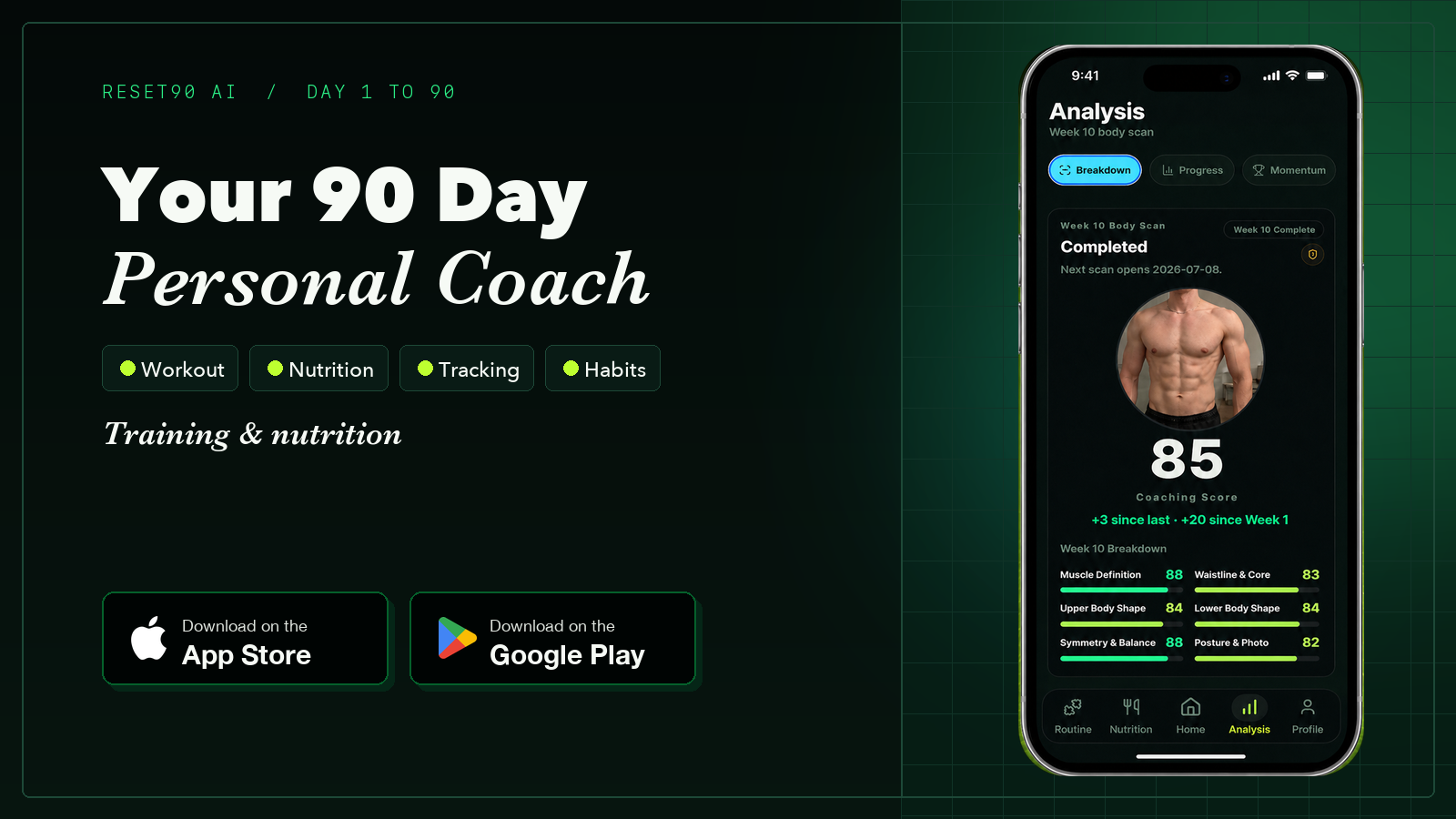
Fitness apps can be useful because they turn scattered signals into a repeatable routine: workouts, food logs, measurements, photos, and progress reviews. Those same signals can also describe your body, habits, schedule, and location. That makes privacy a product-selection question, not a box to tick after you have already signed up.
This checklist is designed for comparing fitness, nutrition, body-composition, and coaching apps. It is not legal advice. Privacy requirements vary by product, location, and use case, so treat the policy and permission screens as evidence to review rather than assuming that a familiar brand or a polished interface tells you everything.
01Start with the feature you actually need
Write down the smallest useful job before you read a privacy policy. You may want a workout log, a meal tracker, a progress-photo timeline, a body-composition estimate, or an adaptive plan. The narrower the job, the easier it is to spot data that is unrelated to the value you expect.
For example, a simple strength log may need an account, exercise history, and settings. A photo-based body analysis may need an image and a way to return an estimate. A nutrition workflow may need meals, calories, and targets. Those are different data footprints. Do not accept an all-purpose collection request simply because you only want one feature.
If you are comparing body-scan products, start with the distinctions in how accurate AI body-scan apps can be, then ask what happens to the inputs after the result is shown. Accuracy and privacy are separate questions: a useful estimate still deserves a clear data path.
02Sort the data into five categories
Instead of reading a long list of technical terms, group each data point by what it reveals and why the app might need it.
- Account data: email, login credentials, age range, locale, and subscription status. Some of this supports authentication or billing; not all of it belongs in a public profile.
- Training and nutrition data: workouts, sets, reps, rest periods, meals, calories, protein, body weight, measurements, and goals. This is often the core product input, so the app should explain how it is used to personalize the experience.
- Images and body data: progress photos, scan images, measurements, and derived scores. Ask whether an image is stored, whether it is processed on the device or on a server, and whether the derived result is kept separately.
- Device and usage data: device type, operating-system version, crash logs, feature usage, and advertising identifiers. Some diagnostics can improve reliability; advertising or profiling uses should be clearly separated.
- Location, contacts, and social data: precise location, address book access, social connections, or public activity. These are rarely necessary for a basic workout, nutrition, or measurement workflow and deserve extra scrutiny.
The useful question is not “does the app collect data?” Almost every connected product does. The useful questions are: which category, for which feature, for which purpose, and with what control afterward?
03Turn permissions into a decision matrix
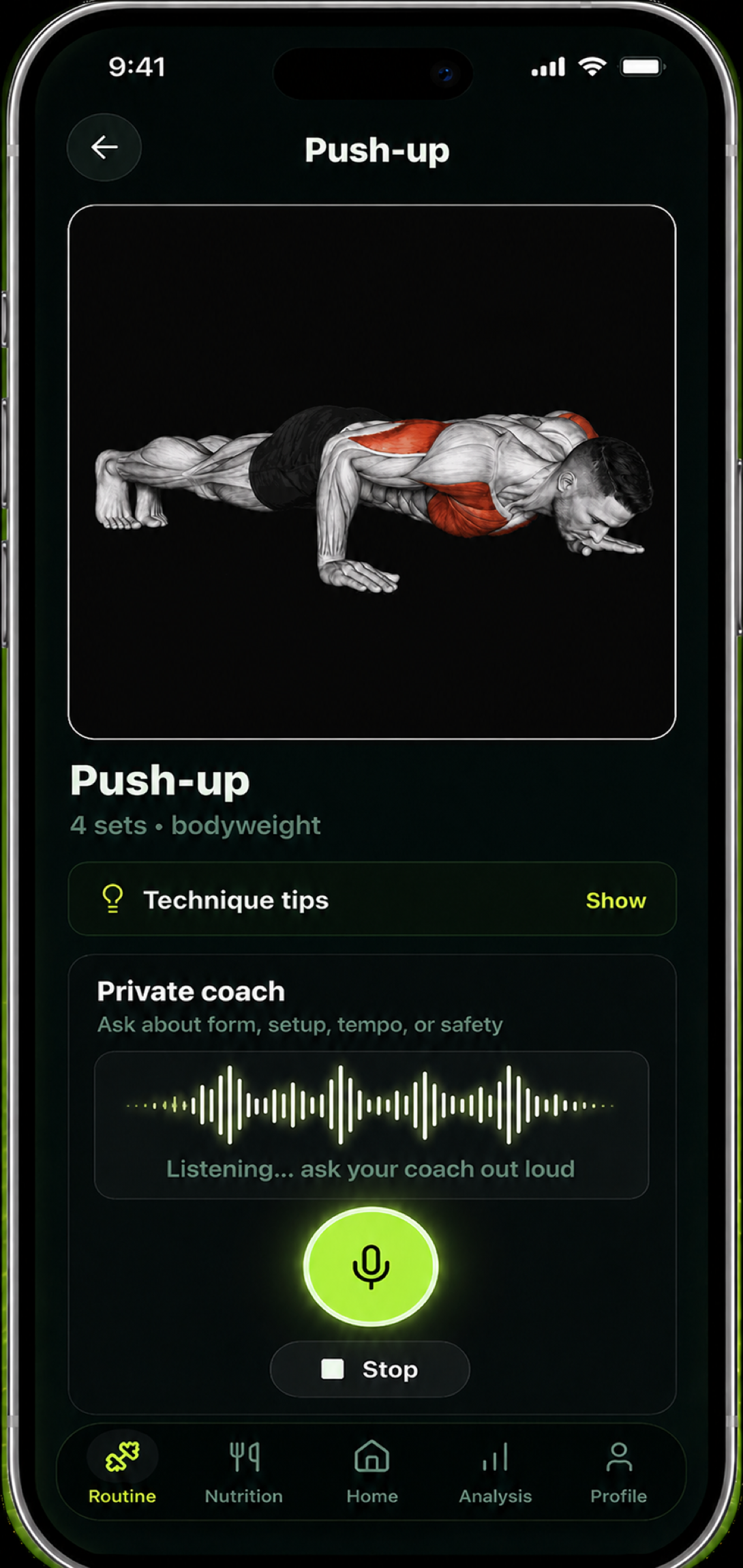
Review each permission at the moment the app asks for it. Label it required, optional, or unexplained, and record the feature that supposedly needs it.
- Camera or photos: reasonable for progress photos or an image-based estimate; unnecessary for a text-only workout log.
- Health or fitness integrations: potentially useful for importing steps, workouts, or weight; check whether you can choose individual data types instead of granting a whole category.
- Notifications: useful for a planned reminder; ask whether the app lets you disable promotional messages while keeping schedule reminders.
- Location: sometimes relevant to outdoor route tracking, but a surprising request for a stationary workout app should have a clear explanation.
- Contacts or microphone: rarely part of a basic fitness workflow. If the explanation is vague, deny access and test whether the core feature still works.
A permission is not the same thing as consent to every future use. Look for a separate explanation of collection, personalization, analytics, sharing, and deletion. If the app cannot explain a permission in plain language, treat that uncertainty as a product cost.
04Ask why each data point is collected
For every important input, complete this sentence: “The app needs this data to ____; if I refuse, ____ will stop working.” The answer should name a visible feature, not a broad phrase such as “improve your experience.”
It is reasonable for a coaching app to use workout history to adjust a plan. It is less clear when an app requests a body photo but cannot say whether it is used only to calculate a result, retained for future comparisons, or reviewed to improve a model. The more sensitive the input, the more specific the explanation should be.
Also separate provided data from inferred data. You may provide a weight or a photo; the app may infer a score, trend, risk flag, or recommendation. Ask whether those inferences appear in your account, whether they are shared, and whether deleting the original input also deletes the derived record.
05Read the sharing and retention sections
Find the parts of the policy that describe service providers, analytics, advertising, research, affiliates, and business transfers. You do not need to memorize every company name. You need to understand the categories of recipients and whether sharing is necessary for the feature you chose.
Then look for retention. “We keep data as long as necessary” is not a useful answer by itself. A better explanation tells you what is kept in an active account, what happens after deletion, and whether backups or legal records follow a different schedule. If a product stores photos or body-composition history indefinitely by default, decide whether the long-term benefit is worth that footprint.
Check whether you can export your records in a usable form. Portability is practical privacy: it reduces the pressure to keep an app forever just because your history is trapped inside it.
06Compare local processing with cloud processing
Local processing generally means an input is analyzed on your device and the product can work without sending that input to a remote service. Cloud processing can enable heavier analysis, synchronization, and cross-device history, but it creates another place where the input must be protected and governed.
Neither model is automatically better. Ask four concrete questions:
- Does the original image or health-related input leave the device?
- What is stored after the result is generated?
- Can the app delete the original and the derived result separately?
- Does turning off synchronization disable the core feature or only cross-device history?
For a comparison of body-tracking approaches, the AI body-scan app guide can help you identify whether a product is built around photos, estimates, manual records, or a broader workflow. Add the privacy questions above to that method comparison before you choose.
07Use privacy defaults as a signal
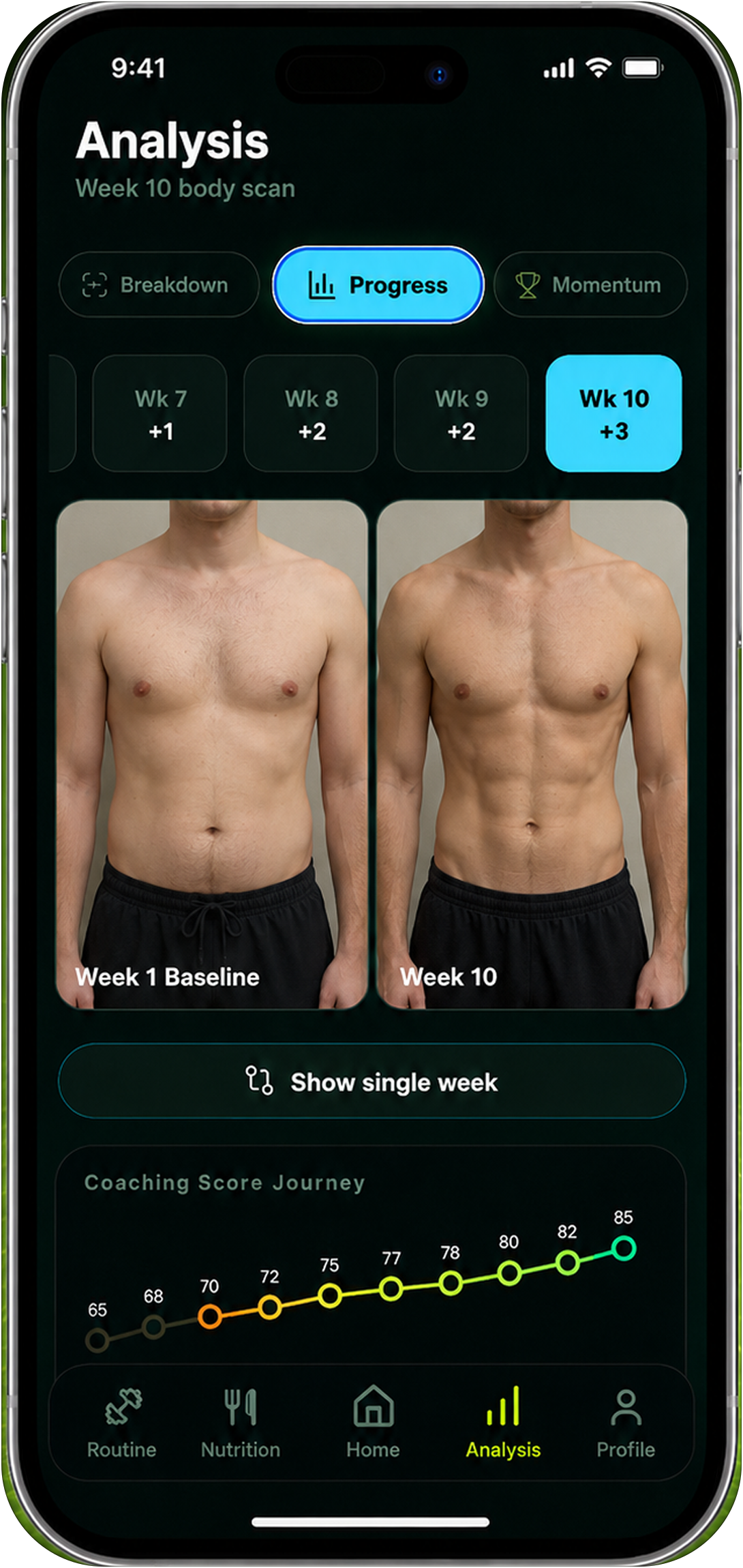
Open the app's settings before you upload sensitive information. Look for private-by-default profiles, clear controls for public sharing, granular notification settings, two-factor authentication, deletion, export, and connected-account management.
Defaults reveal how much work the product expects you to do. A good fitness workflow should not require you to hunt through unrelated screens to stop public activity, disconnect a health integration, or remove an old photo. Defaults are not a complete security review, but they are a quick test of whether privacy is treated as part of the product design.
08Run the five-minute install check
Before creating a long-term history, run a small test with non-sensitive information. Confirm that you can:
- use the core feature with optional permissions denied;
- see which fields are saved after a workout, meal, measurement, or photo;
- change visibility and notification settings;
- disconnect an integration without losing unrelated records;
- find export and deletion controls;
- understand what the app says it will do with future inputs.
If a product passes this small test, you can decide whether its convenience is worth the remaining tradeoffs. If it fails, do not compensate by uploading more data and hoping the policy becomes clearer later.
09What Reset90 should disclose clearly
Reset90's own product pages should make the workflow and boundaries understandable before you rely on it. Review the Reset90 Health & Safety page for the product's limitations and safety framing, then use the feature-specific page to confirm what you are choosing to track.
The same standard applies to any fitness app: explain the feature, explain the inputs, distinguish estimates from measurements, keep defaults understandable, and give people a practical path to review or remove their history. A privacy checklist is not a claim that any app is risk-free. It is a way to choose with your eyes open.
10Frequently asked questions
Should a fitness app collect body photos?
Only when the feature you want genuinely depends on them, and only after the app explains processing, retention, sharing, and deletion. A progress-photo timeline and an image-based estimate have different purposes, so the controls should let you understand the difference.
Is a longer privacy policy always a warning sign?
No. A complex product may need to describe more data flows. The warning sign is not length; it is whether the important answers remain vague, scattered, or impossible to control.
Should I choose local processing every time?
Not automatically. Local processing can reduce one kind of exposure, while cloud processing may be needed for synchronization or a feature you value. Compare the actual data flow, feature benefit, retention, and controls instead of relying on a slogan.
What if I cannot find deletion or export?
Ask support before adding sensitive history. If the answer is unclear or the process is disproportionate to the data collected, choose a product with more accessible controls.
11The practical rule
Choose the fitness app whose data story you can explain: what it collects, what the feature needs, where processing happens, who receives the data, how long it stays, and how you can leave. Start with the smallest useful feature, deny unrelated permissions, test the controls, and add more history only when the tradeoff still makes sense.
That approach keeps privacy connected to the actual decision. You do not need to reject every useful tool, and you do not need to hand over every signal just because an app asks. You need enough information to decide what the product is worth to you.
The Reset90 system
Useful ideas for building a body you can keep.
Training notes, product updates, and practical ways to make your next 90 days count.
Start your next 90 days
Get your daily training, nutrition, and check-in priorities in one adaptive system.


Keep reading
Related articles

Ideal Body Measurements for Women
There is no single ideal body measurement set for women. Learn how averages, waist-to-height, body shape and repeatable tracking fit together without chasing a fixed beauty standard.
Read article
Bulk, Cut, or Recomp? A Practical Decision Guide
A practical way to choose a bulk, cut, recomp, or maintenance phase using your goal, training age, recovery, and repeatable progress signals.
Read article
How Often Should You Take Progress Photos?
How often should you take progress photos? Use this goal-based guide to choose weekly, biweekly, or monthly check-ins and make every comparison more consistent.
Read article