

Hevy vs Reset90: Workout Tracker or 90-Day Coach?
Hevy is built around logging and progress history. Reset90 is built around connecting the next action to a 90-day plan. Here is the practical difference.
By Reset90 AI Editorial Team
Short answer: Choose Hevy if you already know your program and want a focused way to log strength workouts with a community behind you. Choose Reset90 if you need the plan, nutrition prompt, and return path as well as the log. Hevy records the work; Reset90 decides what matters today.
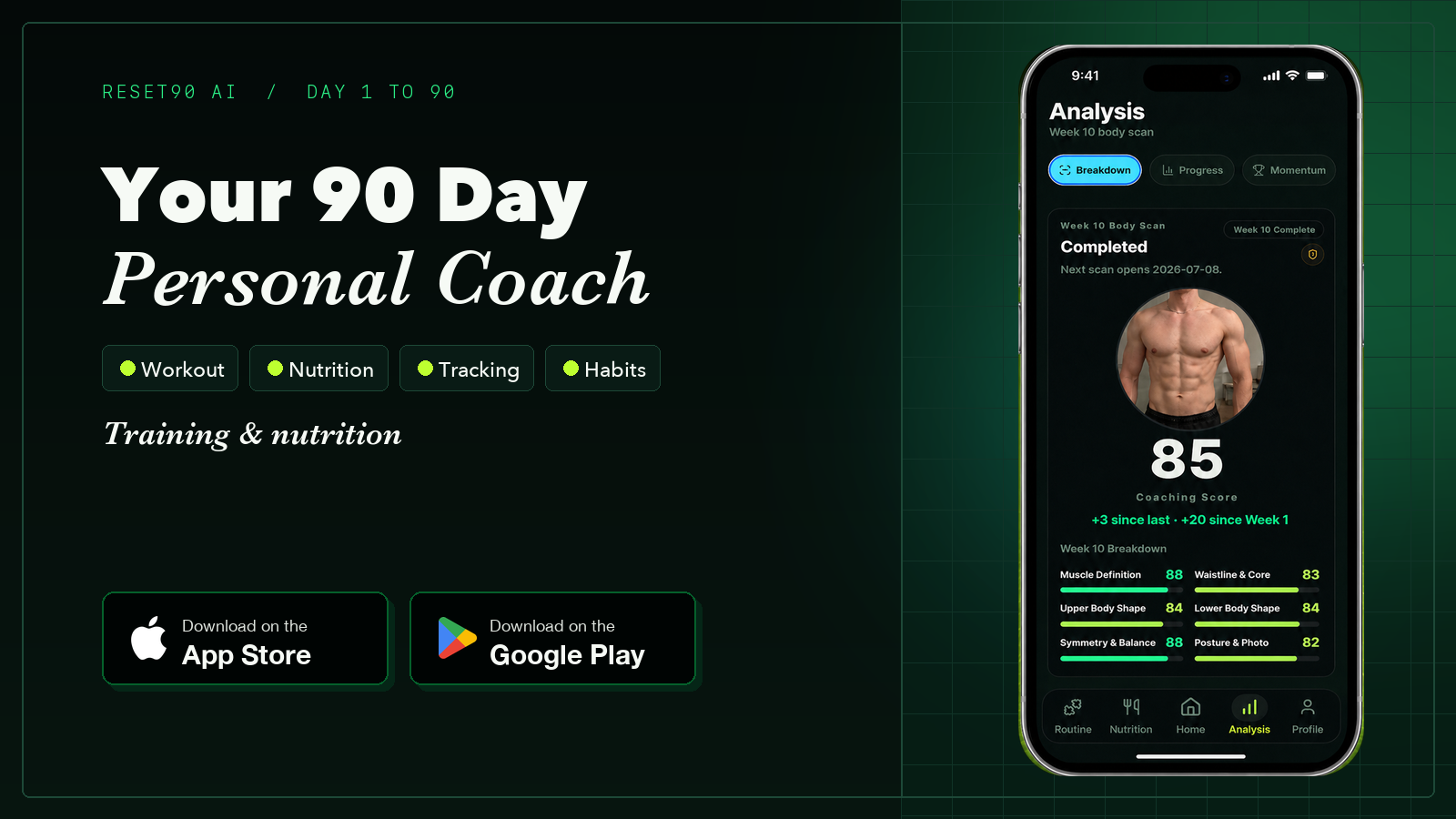
01What does each app record?
If your question is specifically about records, separate two decisions: what each app stores, and whether you want to erase old data or simply start evaluating your training from a new point. Hevy is the more focused workout log, while Reset90 connects completed actions to the next decision across a wider 90-day routine.
| Record or signal | Hevy | Reset90 AI |
|---|---|---|
| Workout details | Sets, reps, weight, exercises, rest, and workout history | Completed training, progression context, and the next planned session |
| Progress view | Strength history, personal records, and training graphs | Training progress alongside check-ins, momentum, and the larger 90-day direction |
| Beyond the workout | The log is mainly about lifting sessions and the social feed | Meal targets, recovery days, check-ins, and adjustments after a missed session |
| What the record helps you decide | What you completed and how your numbers changed | What matters today and how to continue when the week changes |
If you mean reset Hevy records
Hevy does not offer one global button that resets all workout history or personal records. If you are changing gyms or equipment, first decide whether you need to delete the old record or only create a clean comparison point.
| Your goal | More sensible path | Trade-off |
|---|---|---|
| Keep an accurate record of past training | Keep the history and treat the new gym or exercise variation as a new comparison point | Old and new numbers remain in the same account |
| Start an exercise or routine with no previous values | Duplicate the exercise or routine and give the copy a clear name | You create a new log rather than rewriting the old one |
| Remove old workouts completely | Delete the past workouts manually | It is time-consuming and deleted workouts cannot be recovered |
| Hide the old starting point without deleting data | Use a history start-date approach where the app supports it | The underlying history is still retained, but the visible comparison window changes |
That is different from resetting a training plan. If your goal is to build a new 90-day direction while keeping an honest record of what came before, Reset90 can be the planning layer: daily training, progression, meal targets, check-ins, and a next action after an imperfect week. It does not delete or import Hevy history, so keep Hevy when detailed lift logging is the job you need done.
Hevy built the most liked workout logger in the category—and a social layer that makes lifting feel less lonely. It is a genuinely good product. The question is what that social layer can carry, and where it stops.
This comparison is about the difference between community-powered motivation and a complete reset loop.
02The most liked logbook in the category
Hevy’s numbers speak for themselves: 4.92 stars across 84,122 US App Store ratings, 10+ million users, on the store since 2019, featured by Apple, and no ads. The free tier is famously generous—unlimited workout logging, the full exercise library, a rest timer, and the social feed—with the caps sitting on extras like custom routines, custom exercises, and graph history.
Hevy Pro (around $2.99–$4.99/month, $23.99/year, with a lifetime option near $74.99 in some regions—check the listing) removes those caps and adds advanced analytics and Hevy Trainer. The app runs on iOS, Android, web, Apple Watch, and Wear OS, and imports data from other loggers.
03What the social layer actually gives you
The community is the differentiator: follow training partners, see their sessions, like and comment on workouts, share progress, and browse what other lifters are doing. For many people, that turns logging from a chore into a feed they want to check. Seeing friends train is real motivation, and lifting together—even digitally—is a genuine adherence device.
04The ceiling of the like button
Here is the honest limit: social motivation is real, but it has a ceiling. A like is not a decision. Likes and streaks do not tell you what to do on a day the plan stops making sense, do not set your meals, and do not get you back on track after a missed week. Hevy knows everything about your inputs—every set, rep, and PR—and nothing about whether the work is producing the outcome you want.
The feed motivates you to log. It does not plan your week, fix your nutrition, or recover from a missed session. When the plan around the logbook falls apart, the like button is not what puts it back together.
05What Reset90 carries instead
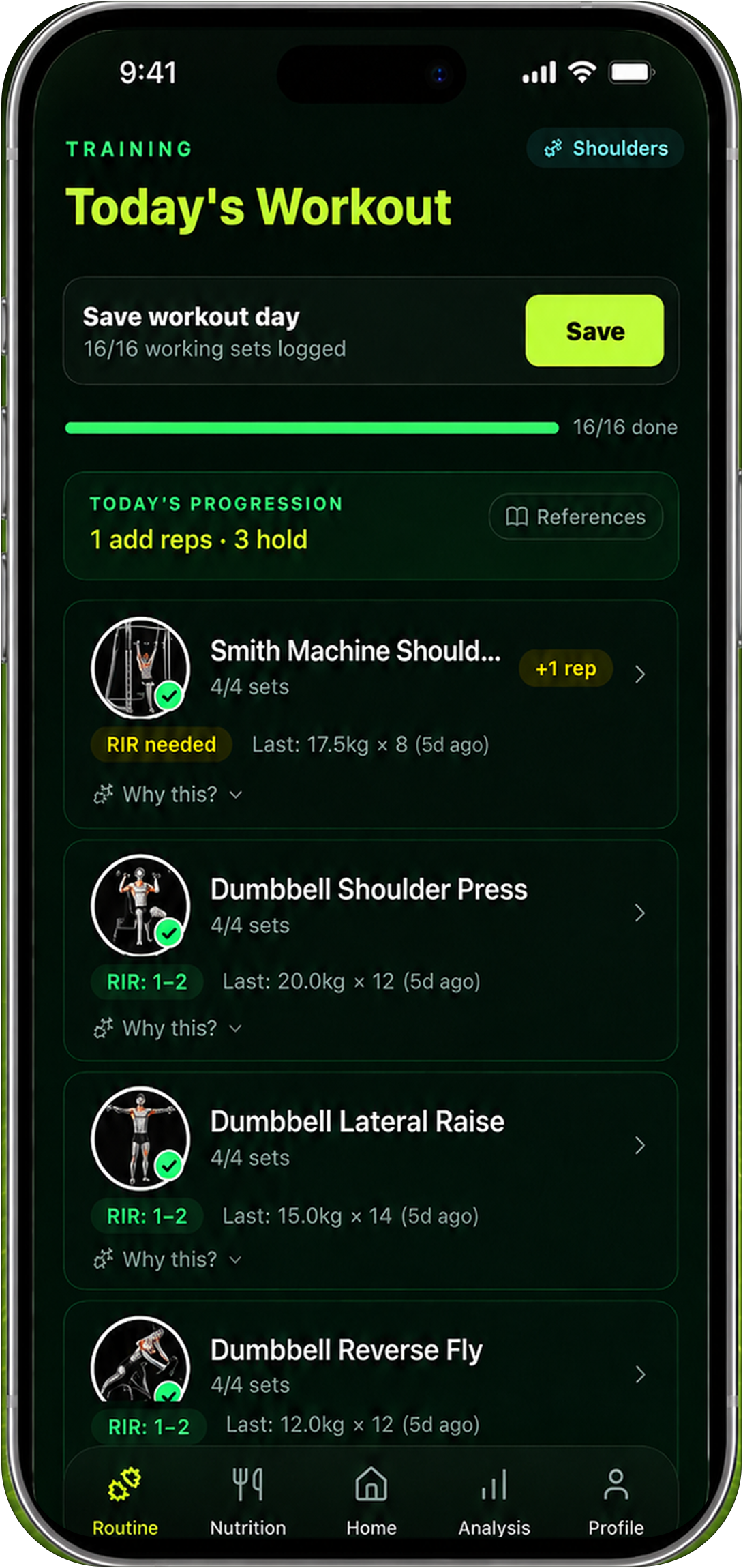
Reset90 treats logging as feedback rather than the destination. The Home dashboard shows what to do today, the Training screen explains progression, and the Analysis screens turn completed actions into a larger story about the 90-day reset. Meal targets, check-ins, streaks, recovery days, and weekly body-photo reviews keep the whole loop moving.
It is free on iOS and Android, works with AI features off, and does not depend on a community to stay motivating—the plan itself is the reason to come back. The trade: Reset90 has no social feed and cannot match Hevy’s logging speed or community energy.
06Social vs system, side by side
| Hevy | Reset90 AI | |
|---|---|---|
| What motivates | Community: friends, likes, feed | A clear daily plan and visible direction |
| The product | Workout logging, progress tracking, community | A 90-day loop: training, nutrition, check-ins |
| What you open to | Your log and your feed | Today’s next action |
| After a missed session | Shows the gap | Helps move, shorten, or continue |
| Nutrition | Not included | Meal targets + optional photo scan |
| Recovery | Not included | Recovery days, check-ins, weekly photo reviews |
| Price | Generous free tier; Pro ~$2.99–4.99/mo or $23.99/yr | Free |
| Track record | 4.92★ · 84K ratings · 10M+ users · since 2019 | New (launched June 2026) |
The honest read: Hevy has a great free tier, a huge community, and one of the best logging experiences ever built. Reset90 is new and does not compete on logging or community. It competes on the part Hevy leaves open: deciding what matters today and keeping the plan alive when the feed is not enough.
07When the social layer is enough
Honestly, if you already have a coach, program, or spreadsheet that tells you what to do, and logging plus community is what keeps you consistent, Hevy is the better choice—and it costs nothing. The social layer is enough when the only missing piece is showing up and recording.
08Which one should you choose?
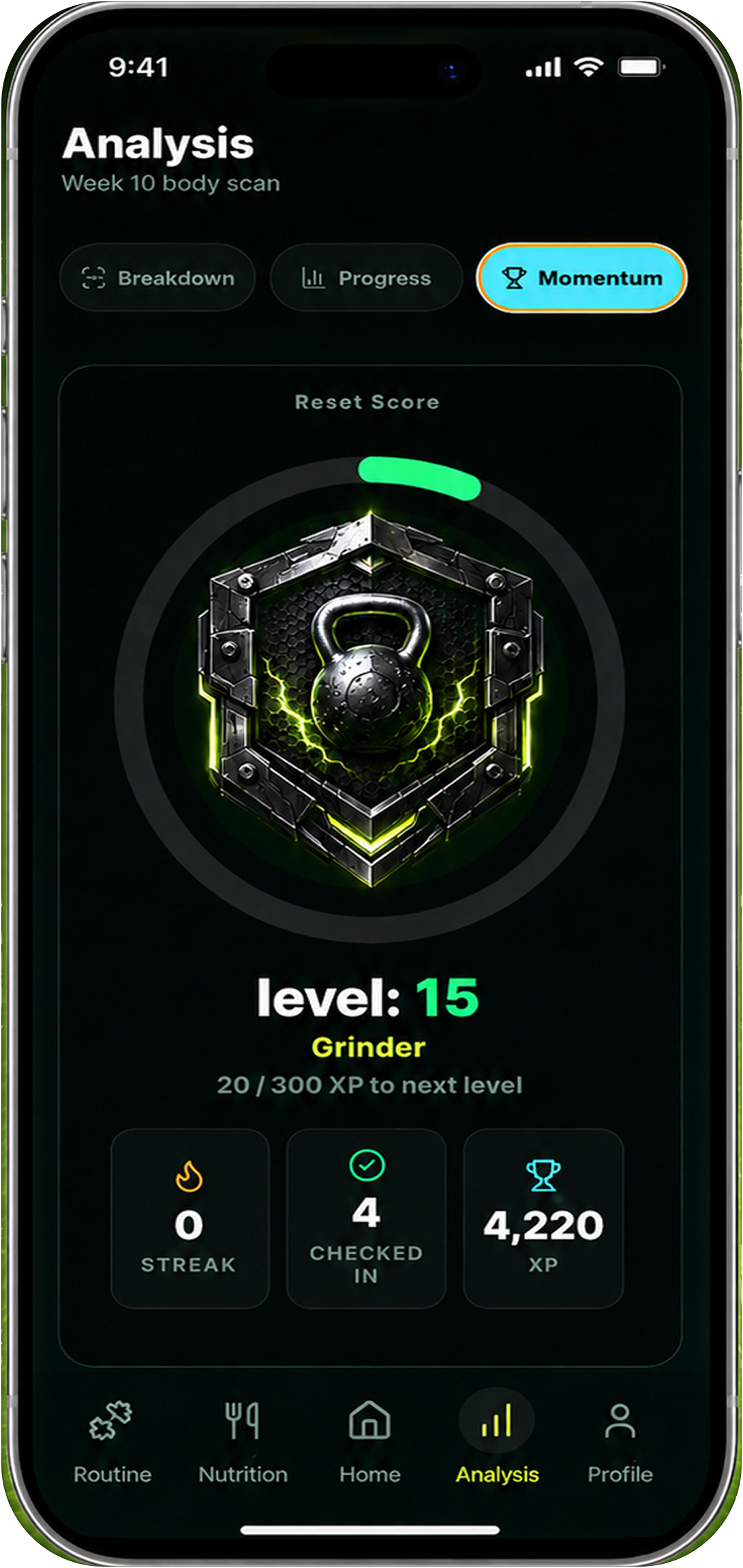
Choose Hevy if you already have a program and want a polished lifting log with community. Choose Reset90 when you want the app to help decide the week and protect consistency after an imperfect day. They work together: Hevy records the sessions, Reset90 decides what matters today.
Try the related tool: Reset90 Plan Fit Check turns those constraints into a quick starting recommendation before you download.
09Frequently asked questions
How much does Hevy cost?
Hevy has a generous free tier—unlimited workout logging, the full exercise library, a rest timer, and the social feed. Hevy Pro is around $2.99–$4.99/month or $23.99/year, with a lifetime option near $74.99 in some regions. Prices vary by region and promotions—check the current listing.
Is Hevy really free?
Yes for logging. The free tier covers unlimited workout logging with no time limit; the caps sit on extras like custom routines, custom exercises, and graph history. Reset90 is also free.
What does Hevy Pro add?
Hevy Pro removes the free-tier caps and adds advanced analytics, plus Hevy Trainer, an AI-assisted training layer. The free tier is enough for most casual users.
Does Hevy plan nutrition or recovery?
No. Hevy is built around workout logging, progress tracking, and social motivation. Program design, nutrition, and what to do when plans change are left to you.
Can I reset all Hevy records?
Not with a single global reset button. If you need a fresh exercise or routine, duplicating it creates a clean log; deleting old workouts is manual and irreversible. If you only need a new comparison point, keeping the history and starting a new baseline is usually safer than deleting it.
Can I use Hevy and Reset90 together?
Yes. Use Hevy to record completed sessions and Reset90 to decide what matters today, so logging becomes feedback rather than the destination.
How trusted is Hevy?
Hevy holds 4.92 stars across 84,122 US App Store ratings, 10+ million users, and an Apple feature, on the store since 2019. That is a strong track record for a free logging app.
10References and related Reset90 reads
- Official Hevy product information
- Google guidance on helpful, people-first content
Reset90 vs traditional workout trackers, how to stay consistent when motivation drops, and fitness apps for consistency continue the comparison from the Reset90 side.
Ready to test the plan? Start with Reset90 AI’s app information and choose the next 90-day action that fits your schedule.
The Reset90 system
Useful ideas for building a body you can keep.
Training notes, product updates, and practical ways to make your next 90 days count.
Start your next 90 days
Get your daily training, nutrition, and check-in priorities in one adaptive system.


Keep reading
Related articles

Ideal Body Measurements for Women
There is no single ideal body measurement set for women. Learn how averages, waist-to-height, body shape and repeatable tracking fit together without chasing a fixed beauty standard.
Read article
Bulk, Cut, or Recomp? A Practical Decision Guide
A practical way to choose a bulk, cut, recomp, or maintenance phase using your goal, training age, recovery, and repeatable progress signals.
Read article
How Often Should You Take Progress Photos?
How often should you take progress photos? Use this goal-based guide to choose weekly, biweekly, or monthly check-ins and make every comparison more consistent.
Read article