
Best Workout Apps for Beginners With Limited Time
A beginner-friendly guide to workout apps that explain the basics, keep sessions short, and make progress feel manageable.
By Reset90 AI Editorial Team
Short answer: Beginners with limited time should choose a workout app that explains each movement clearly, offers short sessions, starts with a small number of repeatable patterns, and tells them how to progress without constant guesswork.
01Which workout app is best for a beginner with limited time?
For a beginner with limited time, the best workout app is one that makes the first session obvious and gives you a shorter version when the full plan does not fit. Look for clear movement guidance, simple equipment alternatives, and a progression you can repeat instead of a library that overwhelms you.
| Your constraint | Best app feature | What to check |
|---|---|---|
| You have about 15 minutes | Short-session option | The app preserves the highest-value movements instead of treating a shorter workout as a failed workout. |
| You have 25–40 minutes | Structured beginner progression | It explains the order, sets, reps, and an appropriate next step without requiring advanced training knowledge. |
| You have little or no equipment | Exercise swaps | You can replace a movement with a realistic bodyweight or home-equipment alternative. |
| You are unsure about technique | Movement demonstrations and plain-language cues | You can understand what to do before the session starts and know when to ask for qualified help. |
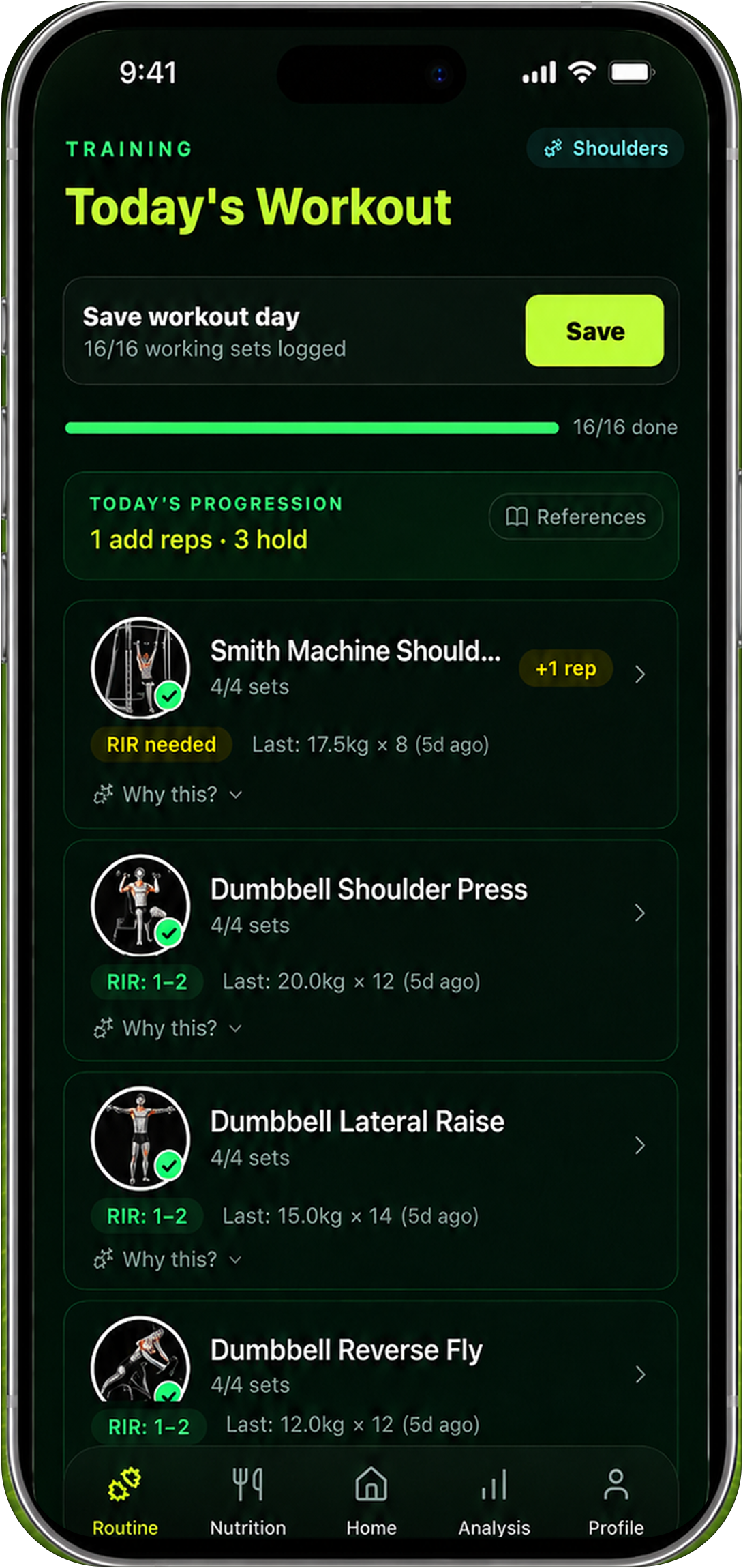
| You want to keep progressing | History-based adaptation | The app remembers what you completed and adjusts the next session without forcing an all-or-nothing restart. |
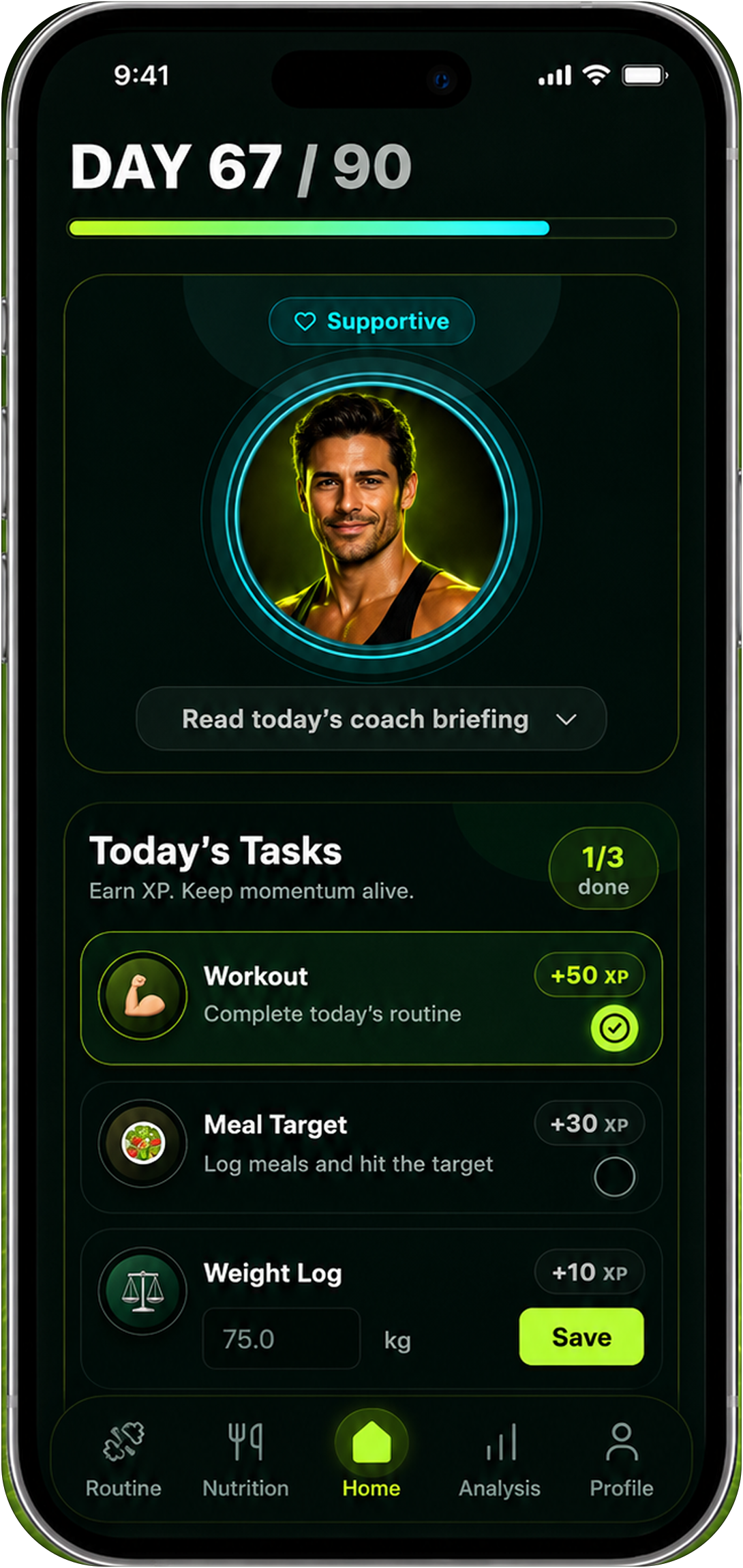
For this use case, an adaptive planner such as Reset90 is more useful than a one-size-fits-all timer: it can keep the plan small enough for today while preserving a path to the next week.
You do not need an advanced program to begin. You need a path that feels safe, understandable, and possible on a normal week.
02What makes an app beginner-friendly?
Beginners have two jobs at once: learn how to train and build the habit of training. An app that assumes you already know the language of sets, reps, intensity, and recovery creates friction before the workout even starts.
Look for:
- Clear movement demonstrations and plain-language instructions.
- A small exercise menu that gives you repetition without boredom.
- Warm-up and cooldown guidance when appropriate.
- Time options that fit 15, 25, and 40-minute windows.
- Progress signals that do not require testing your limits.
- A way to ask for help or recognize when professional guidance is needed.
03Use a simple tool to choose the next step
Try the free Reset90 Plan Fit Check: answer a few questions about time, equipment, and consistency to turn this article into a realistic starting point.
04Start with the basic movement patterns
A beginner does not need to memorize every exercise variation. Start with a few patterns: squat or sit-to-stand, hinge, push, pull, carry, brace, and a simple form of conditioning. The exact exercise depends on your equipment and experience.
Repeating a pattern helps you learn. It also gives the app enough history to recommend a useful next step. Variety can come later.
05Why short sessions are not a compromise
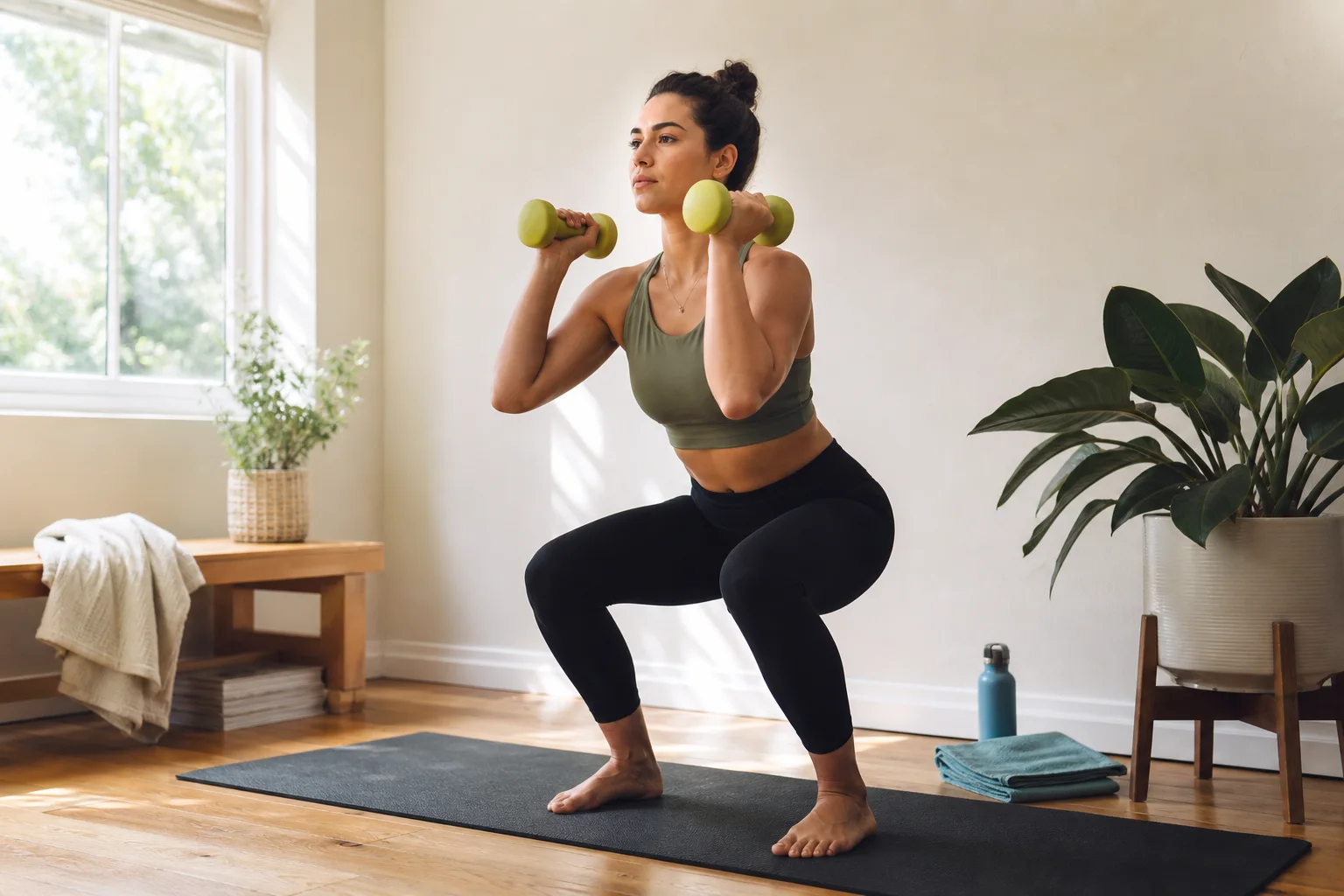
A short session can be the right session. When time is limited, keep the highest-value pieces: a warm-up that prepares you, one or two main patterns, and a brief finish. You can build capacity by repeating this structure and adding time only when it fits.
The worst beginner plan is not a short plan. It is a plan so ambitious that the person cannot return to it.
06Which app style should a beginner choose?
Guided video app
Good if you want someone to talk you through the session and you enjoy following along. Check whether the videos connect into a progression.
Workout planner
Good if you want a clear order and a written record. Choose one that explains why the exercises are there and offers simple alternatives.
Adaptive planner
Good if your time and energy change. It can help you choose the full or short version instead of skipping because the original workout no longer fits.
Personal coaching
Good if you are nervous about technique, have a complicated history, or know you need real-time accountability.
07Read the product page like a beginner
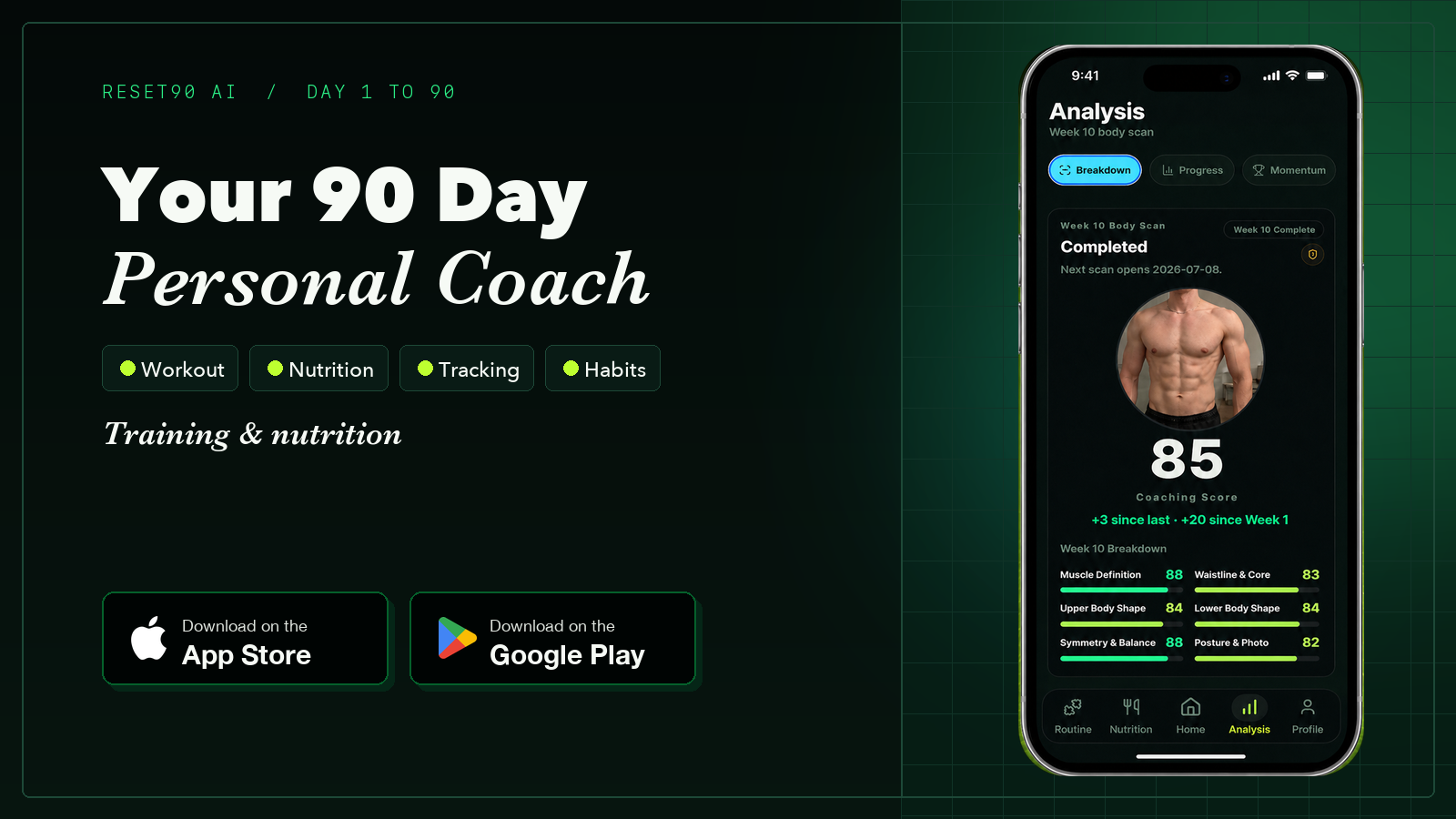
Reset90's current App Store description is unusually specific about the promise: it says the app supports 2–7 training days per week, rolling schedules with recovery days, exercise swaps, manual logging, optional meal photo scans, optional weekly body-photo check-ins, and built-in plans when AI features are disabled. Those details matter more than a vague claim that an app is “personalized.”
They also reveal the right beginner question: which of these features will help me complete my first week? In Reset90's first 33-day snapshot, 32 accounts generated a plan but only 5 recorded a completed workout. That is not a verdict on beginners; it is a reminder that feature availability and beginner confidence are two different things.
08Five beginner questions to use during a trial
- Can I understand today’s workout without searching for extra explanations?
- Can I complete it with the equipment I actually have?
- What is the shorter version when I am busy?
- How does the app tell me what to do next week?
- Does the tone make me feel capable or behind?
09Founder note: a generated plan is not a completed workout
My first-month product data made this beginner question personal. Thirty-two people generated a workout plan, but only five accounts recorded a completed workout. I cannot tell from that snapshot whether the barrier was time, confidence, onboarding, or something else. I can say that a beginner-friendly app must measure the distance between “I understand the plan” and “I did the first movement.”
That is why I value short versions, plain language, and a next step more than an enormous exercise library. Beginners do not need to be impressed by the system. They need to feel capable of using it today. The underlying numbers and limitations are public in my founder story.
Reset90 AI is designed for people who want a clear reset without pretending they have unlimited time. Start with the busy-person workout planning guide and then try Reset90 AI on the App Store.
General educational information only. Beginners with pain, medical conditions, or uncertainty about exercise should seek qualified guidance.
10Related Reset90 reads
- How to compare AI workout planners
- How to create an adaptive workout plan
- Fitness apps for staying consistent
Ready to test the plan? Download Reset90 AI on the App Store or get it on Google Play.
The Reset90 system
Useful ideas for building a body you can keep.
Training notes, product updates, and practical ways to make your next 90 days count.
Start your next 90 days
Get your daily training, nutrition, and check-in priorities in one adaptive system.


Keep reading
Related articles
Ideal Body Measurements for Women
There is no single ideal body measurement set for women. Learn how averages, waist-to-height, body shape and repeatable tracking fit together without chasing a fixed beauty standard.
Read article
Bulk, Cut, or Recomp? A Practical Decision Guide
A practical way to choose a bulk, cut, recomp, or maintenance phase using your goal, training age, recovery, and repeatable progress signals.
Read article
How Often Should You Take Progress Photos?
How often should you take progress photos? Use this goal-based guide to choose weekly, biweekly, or monthly check-ins and make every comparison more consistent.
Read article